An expense tracker printable is a sheet where you write down what you spend, day by day, so that you can see where the money goes. This page prints four layouts: a daily grid by category, a transaction log, a weekly log and a yearly summary. Choose the month and your own categories, and print the tracker on Letter or A4, in color or black.
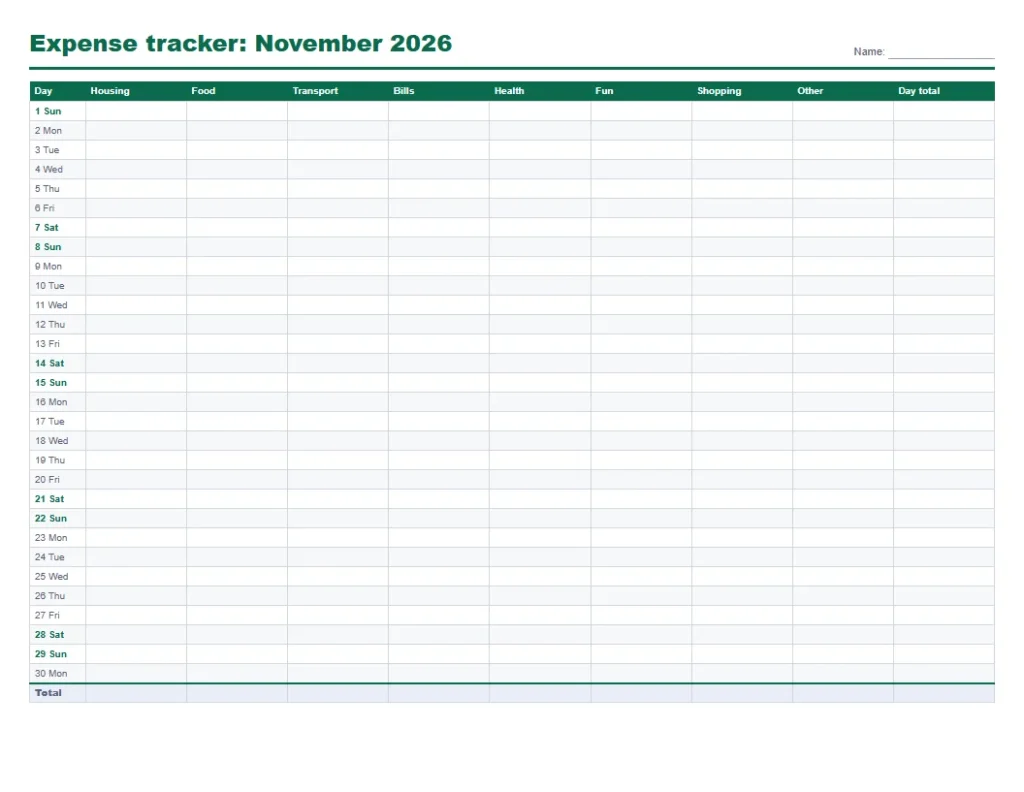
Quick answer: Pick a layout, set the month and categories, and press Print or save as PDF. Write each purchase on its day in the matching category column, add the columns at month end, and compare them with your budget. The daily grid has one row for every day of the month, so a 30-day month needs one page.
How to use the expense tracker printable
- Choose a layout of the expense tracker printable and the month. The days and weekday names are filled in for you.
- Type your own categories, separated by commas, and the grid columns change to match. Up to eight fit on a page.
- Tick Add Budget and Left rows if you want a place to compare each category with its limit.
- Press Print or save as PDF, keep the sheet where you spend, and write each purchase as it happens.
The tracker is made in your browser and your choices stay on your device. Nothing you type is sent to a server.
Which expense tracker printable layout to use
| Layout | Best for | How you fill it in | Pages for a year |
|---|---|---|---|
| Daily grid by category | Seeing totals by category at a glance | One number per category per day, added at month end | 12 (one landscape page a month) |
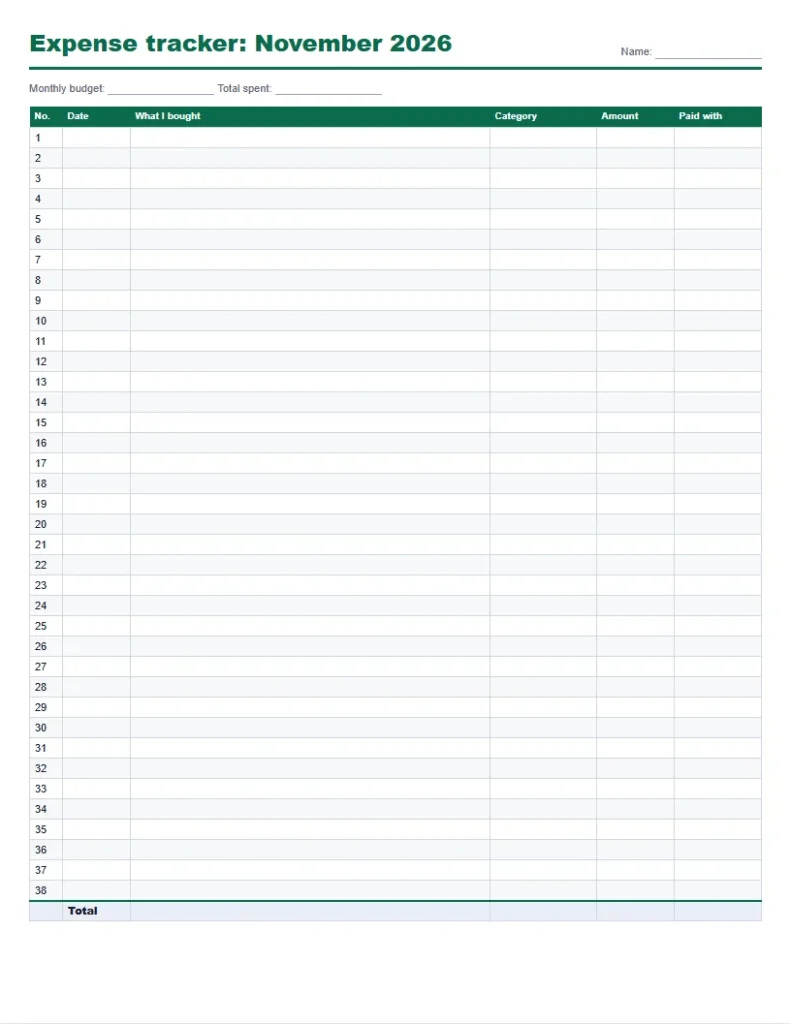
| Transaction log | Remembering what each purchase was | One line per purchase with date, item, category and amount | About 12 to 36, depending on how often you shop |
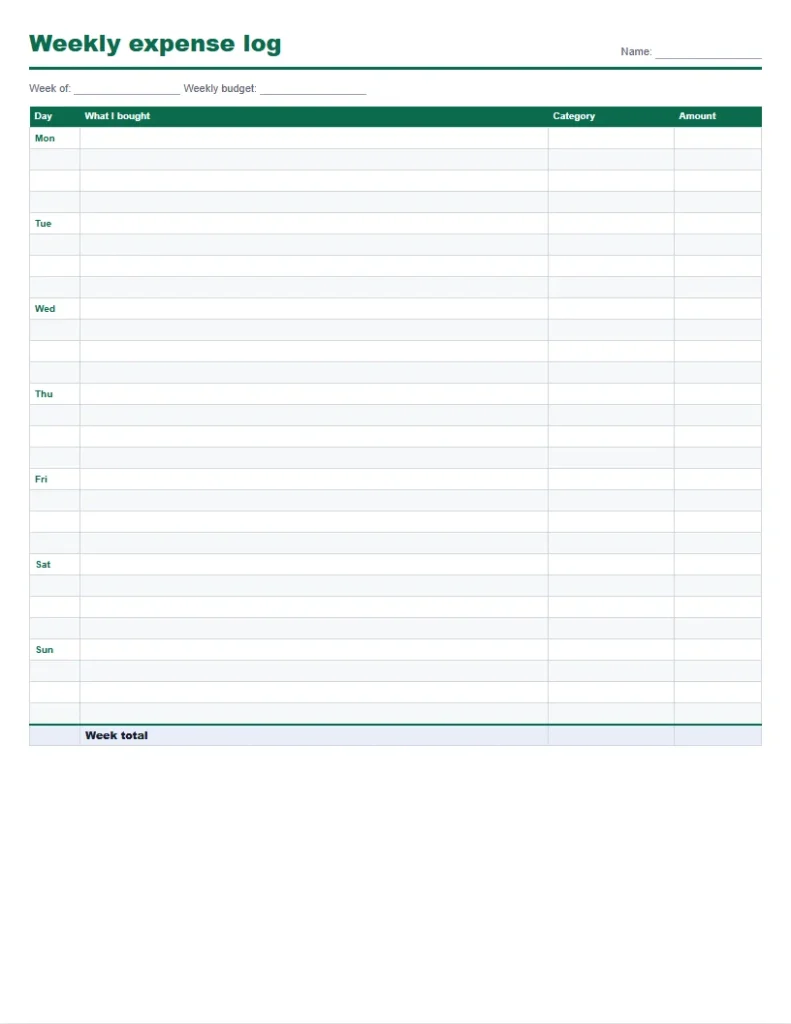
| Weekly log | A weekly check-in or a tight budget | Four lines a day, then the week total | 52 |
| Yearly summary | Carrying the monthly totals together | One row a month, filled from the monthly sheets | 1 |
The daily grid and the yearly summary of this expense tracker template printable work as a pair. Add each grid column at month end, write the totals on the yearly summary, and in December you have the full year on one page.
Expense sheet printable: categories that keep the grid short
Eight columns are enough for most households. The default categories below are broad on purpose, so that a purchase always has an obvious home:
| Category | What goes in it |
|---|---|
| Housing | Rent or mortgage, utilities, repairs, household supplies |
| Food | Groceries, takeout and restaurants |
| Transport | Fuel, transit fares, parking, car payment and repairs |
| Bills | Phone, internet, subscriptions, insurance |
| Health | Pharmacy, doctor visits, health insurance premiums |
| Fun | Movies, hobbies, events and sports |
| Shopping | Clothes, electronics, home goods, gifts |
| Other | Anything that does not fit, so the sheet always balances |
The US Bureau of Labor Statistics Consumer Expenditure Survey uses similar broad groups (housing, food, transportation, healthcare, entertainment, apparel and personal care), which is a useful guide if you want your totals to be comparable with national averages.
Daily expense tracker printable example: one week on the weekly log
These are the purchases written on one weekly log. The week total adds up the entries, and the last column compares each category with its weekly limit:
| Day | Category | Amount |
|---|---|---|
| Mon | Food | $6.40 |
| Mon | Transport | $3.50 |
| Tue | Food | $42.80 |
| Tue | Bills | $11.99 |
| Wed | Transport | $38.00 |
| Wed | Food | $5.25 |
| Thu | Health | $18.60 |
| Thu | Food | $7.80 |
| Fri | Fun | $36.00 |
| Fri | Shopping | $24.99 |
| Sat | Food | $63.40 |
| Sat | Fun | $14.00 |
| Sun | Shopping | $19.50 |
| Sun | Transport | $3.50 |
| Category | Spent | Weekly limit | Left (or over) | Share of the week |
|---|---|---|---|---|
| Food | $125.65 | $110.00 | -$15.65 | 42% |
| Transport | $45.00 | $50.00 | $5.00 | 15% |
| Bills | $11.99 | $12.00 | $0.01 | 4% |
| Health | $18.60 | $20.00 | $1.40 | 6% |
| Fun | $50.00 | $50.00 | $0.00 | 17% |
| Shopping | $44.49 | $40.00 | -$4.49 | 15% |
| Total | $295.73 | $282.00 | -$13.73 | 100% |
The week comes to $295.73, which is $13.73 over the combined limits. Food is the largest category at 42% of the week. Over their limits: Food by $15.65 and Shopping by $4.49. The other 4 categories are inside theirs or exactly on them. The total matters first, and the pattern shows after a few weeks of the same sheet.
What small purchases add up to
The daily grid shows small amounts that are easy to miss one at a time. Weekly cost times 52 gives the year, and dividing that by 12 gives the monthly figure:
| Purchase | How often | A week | A month | A year |
|---|---|---|---|---|
| Coffee on the way to work | $4.50 x 5 a week | $22.50 | $97.50 | $1,170 |
| Lunch out | $11.00 x 3 a week | $33.00 | $143.00 | $1,716 |
| Snack or drink from a machine | $1.75 x 5 a week | $8.75 | $37.92 | $455 |
| Rideshare | $14.00 x 2 a week | $28.00 | $121.33 | $1,456 |
Together these four habits cost $92.25 a week, $399.75 a month and $4,797 a year. Whether that is a good use of money is your call. The tracker just makes it visible.
The month-end review in three steps
- Add each column of the daily grid and write the totals on the Total row.
- Compare each total with your limit on the Budget row and write the difference on the Left row.
- Carry the three biggest differences into next month: lower a limit that was always empty, raise one that was always over, or change the habit behind it.
If you want to set the limits first, use the budget calculator to work out what you can spend in each group, then write those amounts on the Budget row.
Frequently asked questions
6 quick answers
Is this expense tracker printable free to print?
Yes. It is free to print and save as a PDF, with no sign-up and no watermark.
Can I change the categories on the expense tracker printable?
Yes. Type your own categories separated by commas, up to eight, and the columns change.
Which month does it print?
Any month of any year from 1900 to 2200. The day numbers and weekday names are filled in for you.
How do I track cash and card spending together?
Write every purchase on the same sheet, whatever you paid with. The transaction log has a Paid with column if you want to separate cash from card.
Is there a yearly version?
Yes. Choose Yearly summary for a one-page year with a row for each month and your categories as columns.
How do I save the expense tracker printable PDF?
Press Print or save as PDF and choose Save as PDF as the printer. Landscape sheets are set to print in landscape automatically.
Related printables and calculators
- Bill tracker printable to keep track of due dates and payments
- Budget planner printable for the plan before the month starts
- Budget calculator to see what is left after bills and savings
- Savings challenge printable for the money you free up
- Debt snowball calculator if debt payments are the biggest line
- Habit tracker printable for a no-spend month
This page gives general information and tools, not financial advice.
Last updated: October 2026.