Typing games for kids that teach real keyboard skills: five free 60-second typing tests, from the home row to full sentences, with words per minute and accuracy after every round. Children start with the home row keys, add the top row, then type sight words, grade 3 words and sentences. The tests are free, need no sign-up, work with any keyboard, and come with a printable typing practice log and finger chart. This typing game for kids is made for ages 6 to 12.
Typing games for kids: five modes and a practice log
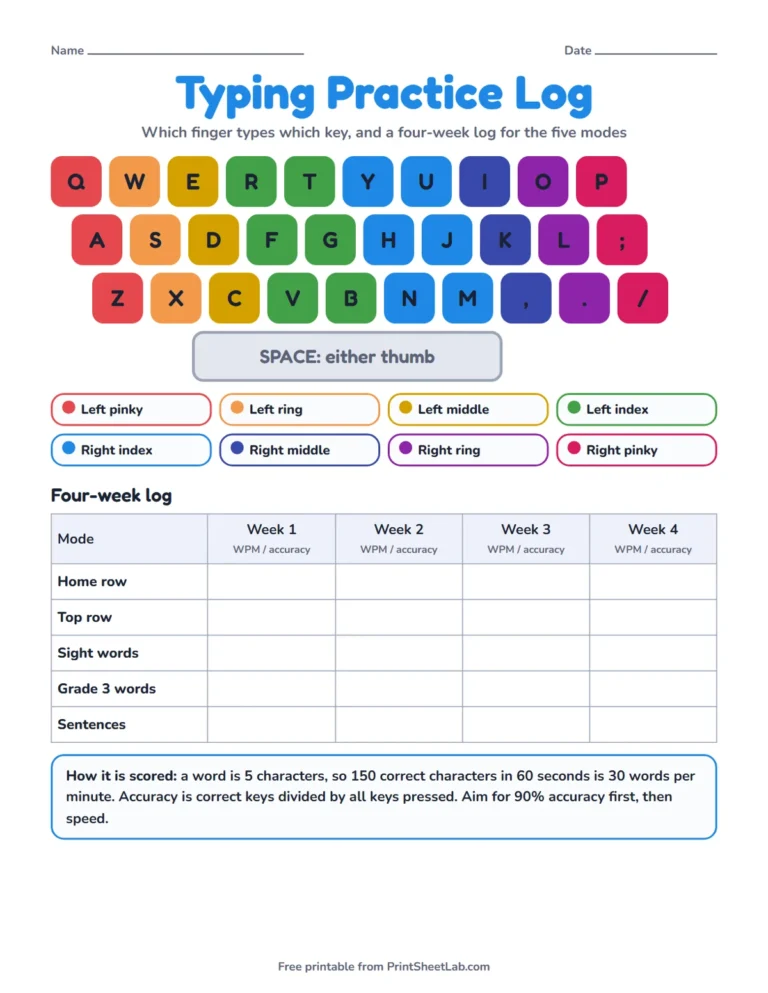
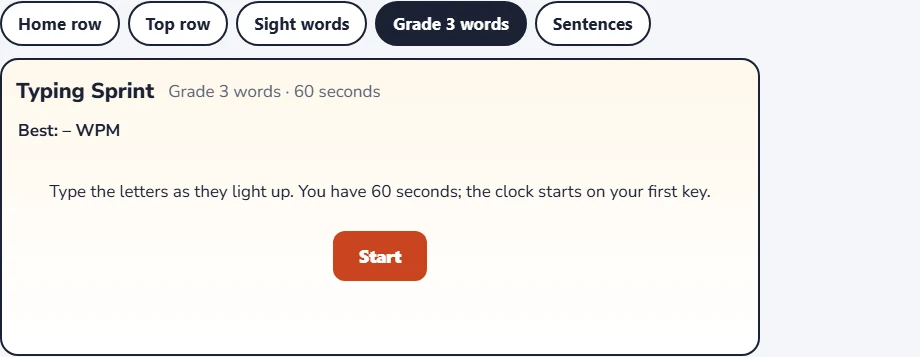
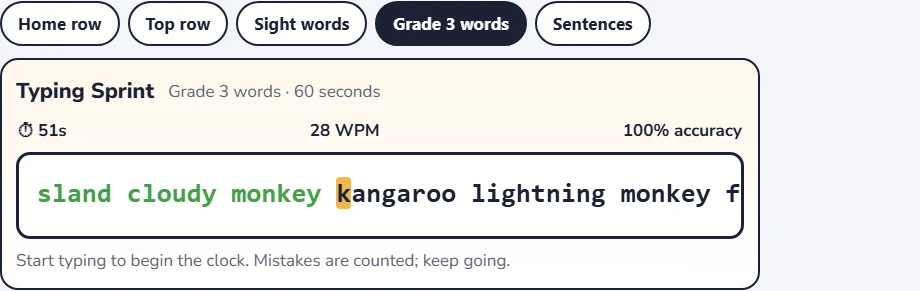
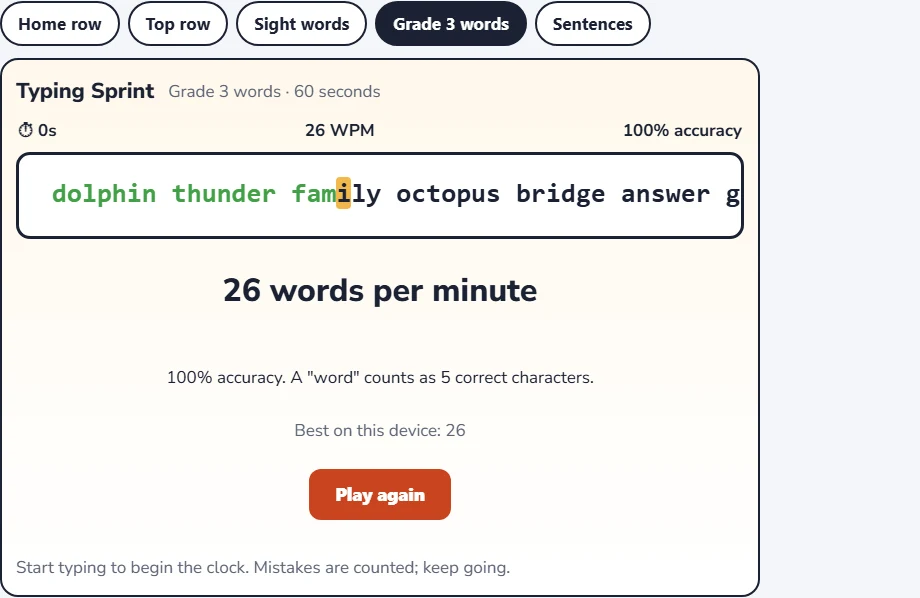
Choose a mode with the buttons above the typing test. The first picture is a printable keyboard with each finger in its own color and a four-week log for the five modes, and the other pictures show the typing game at the start, while you type and on the results screen.
Five typing practice modes compared
The five modes follow a teaching order, so a child can work through them from left to right. Each lasts 60 seconds and uses its own text:
| Mode | What you type | Size of the text | Good for |
|---|---|---|---|
| Home row | Random groups of 2 to 4 letters from A S D F J K L | 2,793 possible groups | The very first lessons |
| Top row | Random groups of 2 to 4 letters from Q W E R T Y U I O P | 11,100 possible groups | Learning the reach up |
| Sight words | 83 common words, shuffled | 83 words, twice per test | Spelling and speed together |
| Grade 3 words | 40 words: spelling, animal and weather words | 40 words, shuffled | Longer words, up to 9 letters |
| Sentences | 10 short sentences with capitals and full stops | 276 characters | Shift, space and punctuation |
Because the home row and top row modes make their letter groups at random, there are thousands of different tests and a child cannot learn them by heart. The other three modes use fixed word lists in a new order, so the same words come back and can be learned.
How the typing game for kids works
- Choose a mode and press Start.
- Click in the typing area and type the highlighted characters. The clock starts on your first key.
- Keep going for 60 seconds. Mistakes are counted but never stop the test.
- Read your score: words per minute and accuracy. Your best score for each mode is saved on this device only.
Typing practice for kids: a six-week path
| Weeks | Mode | Goal |
|---|---|---|
| 1 and 2 | Home row | Find the keys without looking, 90% accuracy |
| 3 | Top row | Smooth reaches up from the home row |
| 4 | Sight words | Type common words as whole units |
| 5 | Grade 3 words | Longer words with fewer pauses |
| 6 | Sentences | Capitals, spaces and full stops |
Ten minutes a day beats an hour a week, and children who hit 90 percent accuracy in a mode are ready for the next one. Use the printable log to write each score, and the finger chart to check which finger belongs to which key.
Typing practice for beginners: the first week
| Day | Mode | What to do |
|---|---|---|
| Day 1 | Home row | Find the bumps on F and J, rest the fingers and type one test slowly |
| Day 2 | Home row | Two tests, then read the accuracy score aloud |
| Day 3 | Home row | Beat the best accuracy, even if the speed stays the same |
| Day 4 | Home row | One test with eyes on the screen only |
| Day 5 | Home row | Two tests and write the scores on the log |
| Days 6 and 7 | Rest or play | Short games with a friend, or try the top row for a minute |
Typing test for kids and keyboarding practice at school
Teachers often use a typing test for kids once a week to track progress. A one-minute test is quick, fair and gives two numbers, speed and accuracy. Keyboarding practice works best in short sessions of five to ten minutes, spread through the week, and with the same routine each time: sit up, rest the fingers, start the test, and record the score.
Free typing games for kids: what makes a good one
- It teaches the right fingers: a game that lets children use any finger builds habits that are hard to change later.
- It shows accuracy as well as speed, so children learn that correct is better than fast.
- It has short rounds, so practice never feels like a chore.
- It needs no sign-up or download, so it works on any school computer.
Touch typing basics for children
Touch typing means typing without looking at the keys, with each finger responsible for certain keys. Wikipedia’s touch typing article describes the method, which starts with the fingers resting on the home row. Good habits for young typists are a straight back, feet flat on the floor, wrists level and eyes on the screen. Short breaks every twenty minutes keep hands comfortable.
Where keyboarding fits at school
| Level | What students are expected to do |
|---|---|
| Grade 3 (US) | Use technology, with keyboarding skills, to produce and publish writing (W.3.6) |
| Grade 4 (US) | Show enough command of keyboarding to type a minimum of one page in a single sitting (W.4.6) |
| Grade 5 (US) | Type a minimum of two pages in a single sitting (W.5.6) |
The Common Core grade 5 writing standards expect two pages of typing in a single sitting, which is a good long-term goal for any typing practice.
Typing games for kids: frequently asked questions
What are the best typing games for kids?
The best ones teach the correct fingers, show accuracy, and let children move up in small steps. This page offers five steps from the home row to sentences.
What age should kids start typing games?
Many children start around age 7 or 8, once they can read and spell short words, but any child who uses a keyboard can begin with the home row.
How long should a child practice typing each day?
Ten to fifteen minutes is enough. Short, regular sessions work better than long ones.
Is there a typing game for kids with no sign-up?
Yes. This typing game for kids is free and needs no account. Scores stay in your browser.
Is the typing game for kids free, and do kids need an account?
Yes, it is free, and no account is needed. Best scores are saved only in the browser on this device.
Does it work on phones and tablets?
Yes. Every game is built for touch first and also works with a mouse on a computer.