This free printable paper generator is a lined paper generator, graph paper generator and dot grid paper generator in one. It draws lined, graph, dot grid, isometric and handwriting paper at the exact spacing you choose, then saves it as a PDF for US Letter, A4 or A5. Change the spacing, line color, thickness, margins and orientation, add a name line, margin line, x-y axes or a picture box, and the page above updates straight away. Print up to 10 pages in one PDF, with no sign-up.
New: need music paper? The staff paper generator prints blank sheet music, piano grand staff, guitar and ukulele tab.
Ready-made pages from the printable paper generator
Each card opens a page with the most popular settings already chosen and ready-to-print PDFs, so you can print in one click and come back here only when you need something special.

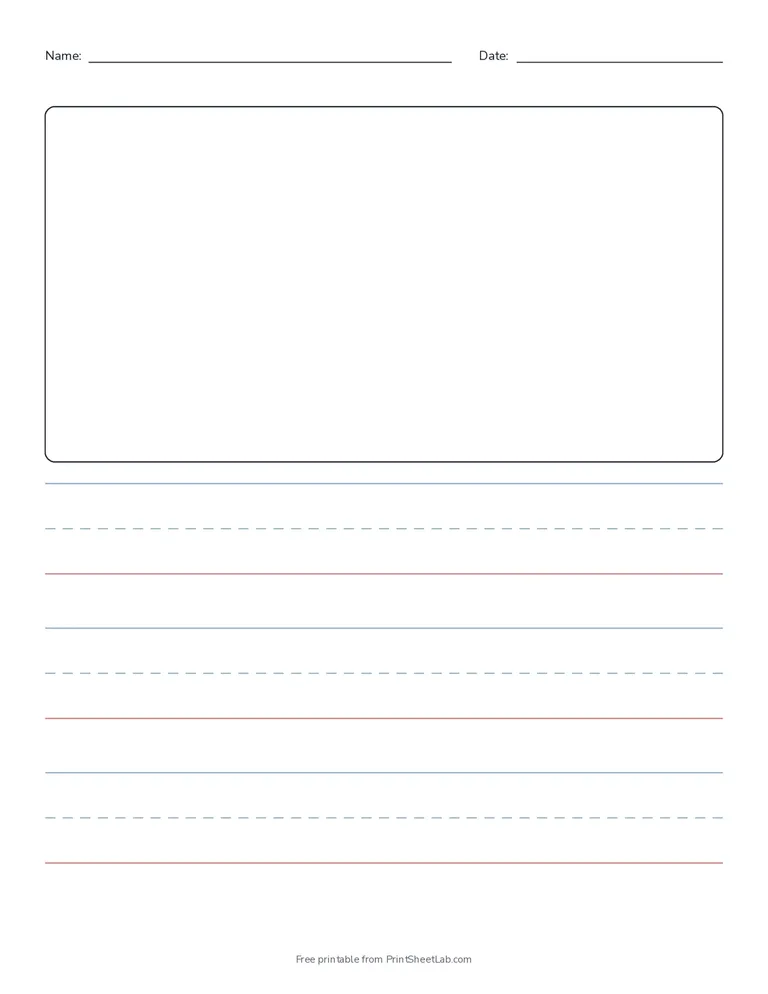
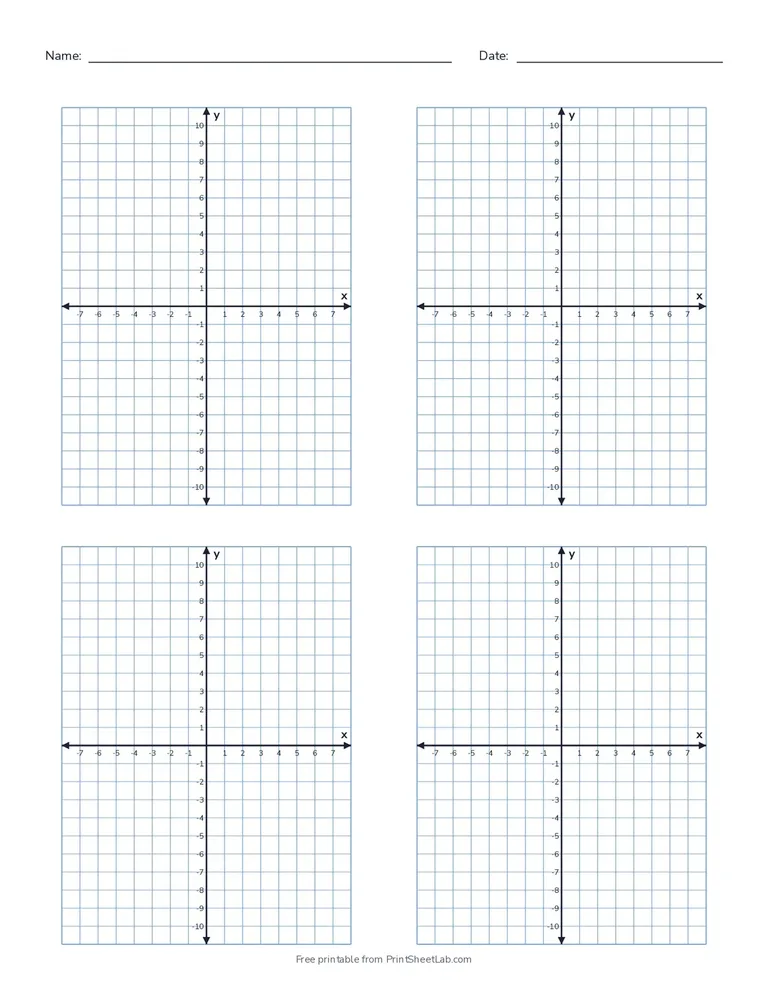
How to use the printable paper generator
- Choose the paper type: lined, graph, dot grid, isometric or handwriting.
- Pick the spacing from the list, or choose “Custom size” and type any size from 1 to 100 mm, or in inches.
- Adjust the look: line color (or any custom color), line weight, margins, portrait or landscape.
- Add extras: a name and date line, a red margin line, x-y axes with numbers, 1, 2 or 4 graphs per page, or a drawing box on handwriting paper.
- Download the PDF with 1 to 10 pages, or click Print.
Paper types in the printable paper generator
| Paper | Spacing options | Best for | Ready-made page |
|---|---|---|---|
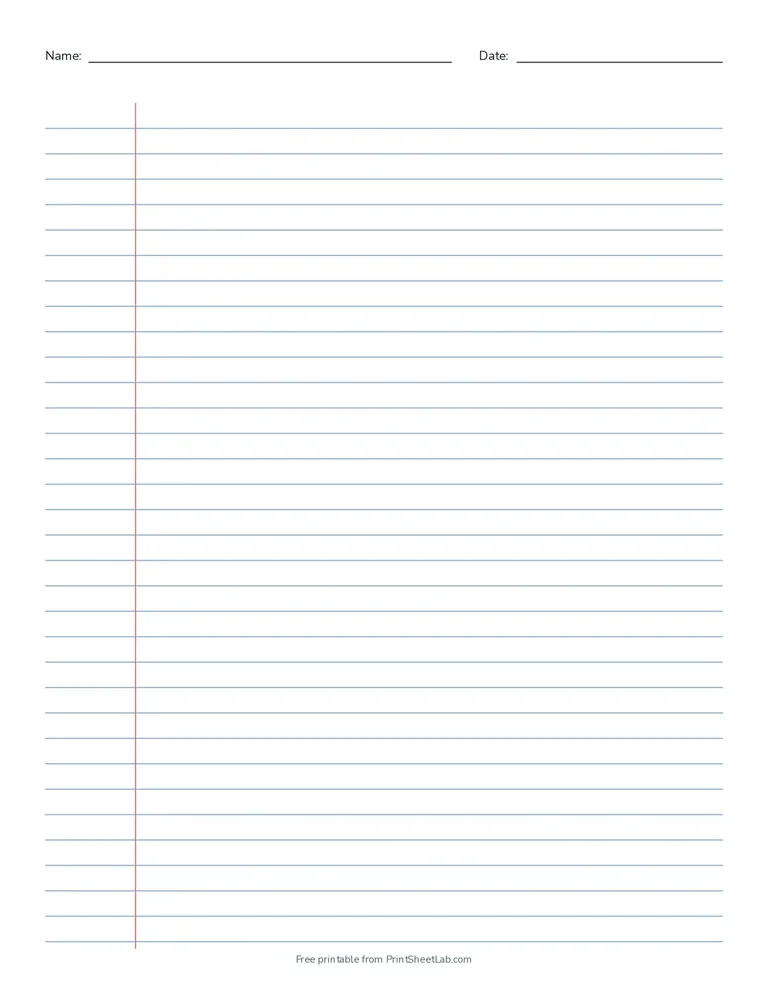
| Lined paper | College ruled, wide ruled, narrow ruled, 8 mm, 1/2 inch, custom | Notes, essays, letters, journals | Lined paper |
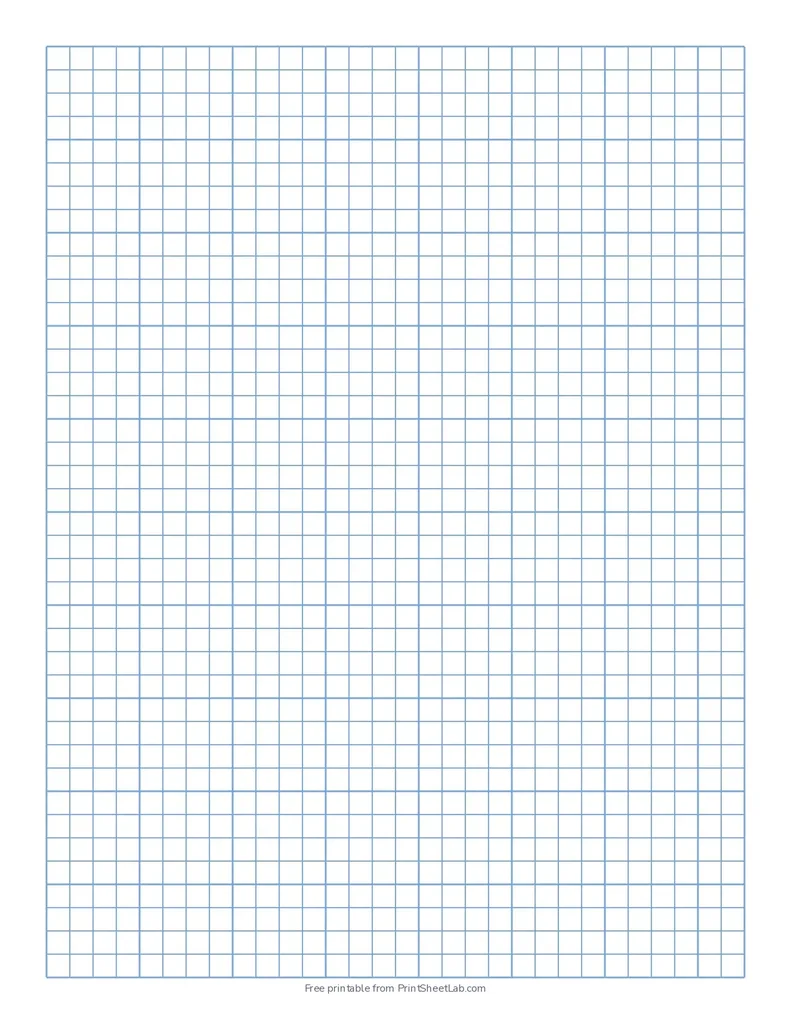
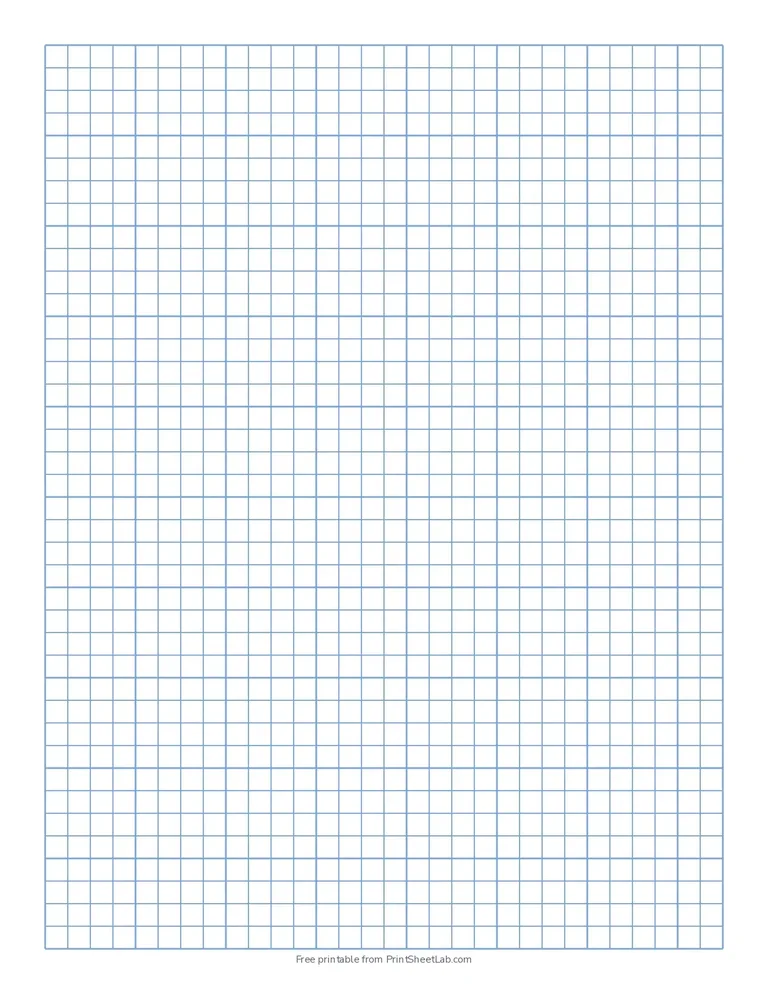
| Graph paper | 1/4 inch, 1/5, 1/8, 1/10, 1/2 and 1 inch, 2 mm, 5 mm, 1 cm, custom | Math, charts, floor plans, pixel art | Graph paper |
| Coordinate plane paper | Graph paper with numbered x-y axes, 1, 2 or 4 per page | Plotting points and graphing equations | Graph paper with x and y axis |
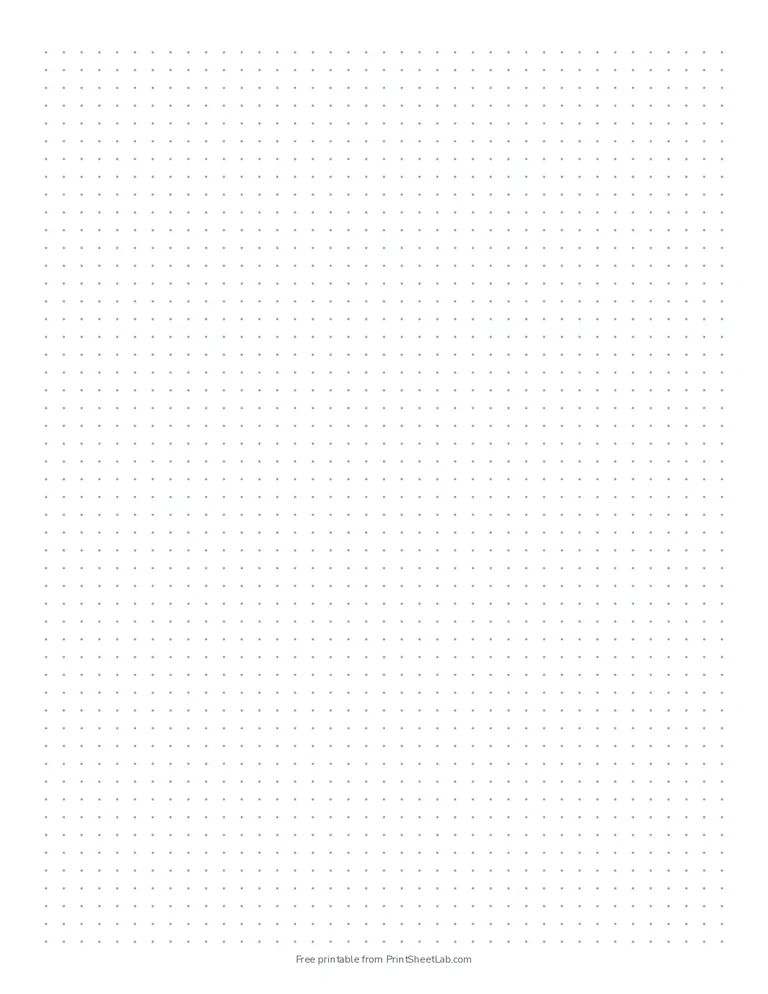
| Dot grid paper | 5 mm, 4 mm, 7 mm, 1/4 inch, 1/2 inch, custom | Bullet journals, lettering, sketching | Dot grid paper |
| Isometric paper | 1 cm, 5 mm, 1/4 inch, 1/2 inch, 2 cm, custom; dots or lines | 3D drawings, cubes, game maps | Isometric paper |
| Handwriting paper | Rows from 1 inch (preschool) down to 3/8 inch (grade 3 and up) | Learning to write letters | Handwriting paper for kindergarten |
Which paper should I choose in the printable paper generator?
- For school writing: wide ruled for grades 1 to 5, college ruled from middle school up. Our wide ruled vs college ruled guide shows the difference at real size.
- For young children: handwriting paper with a dashed midline, so they can see how tall each letter should be. Add the picture box for draw-and-write journals.
- For math: quarter inch graph paper in the US or 5 mm in metric countries. Use 1 cm squares for younger children.
- For journals and planners: 5 mm dot grid, printed in light gray.
- For low vision or large print: 1/2 inch lined paper or 1 cm graph paper with bold black lines.
Common spacing sizes
| Paper | Spacing | Lines or squares on US Letter* |
|---|---|---|
| Wide ruled | 11/32 in (8.7 mm) | 29 lines |
| College ruled | 9/32 in (7.1 mm) | 35 lines |
| Narrow ruled | 1/4 in (6.4 mm) | 40 lines |
| Graph, 4 squares per inch | 1/4 in (6.35 mm) | 30 x 40 squares |
| Graph, 1 cm | 10 mm | 19 x 25 squares |
| Dot grid | 5 mm | 39 x 51 dots |
*Counted from the printable paper generator’s PDFs with half-inch margins and no name line.
Print at 100% so the spacing stays exact
Printers often shrink pages to “fit”, which makes the spacing slightly smaller. In the print window, set the scale to 100% or “Actual size”. If your paper is A4 and the PDF is Letter (or the other way round), make a new PDF in the right size with the printable paper generator instead of scaling it.
Good to know about the printable paper generator
- Every page in a multi-page PDF is the same, so print double-sided and staple for a quick notebook.
- Lines are drawn as vector shapes, so they stay sharp at any zoom and print cleanly.
- A dot grid with small spacing has thousands of dots, so a 10 page PDF can take a few seconds to prepare.
- The printable paper generator saves your settings in the page address. Bookmark it to make the same paper again later.
Frequently asked questions
10 quick answers
Is the printable paper generator free?
Yes. The printable paper generator is free: make and print as many pages as you like for home, school or work. You never need an account, and the only branding is a small line of text in the footer.
What is the difference between college ruled and wide ruled?
College ruled lines are 9/32 inch (7.1 mm) apart and fit more lines on a page. Wide ruled lines are 11/32 inch (8.7 mm) apart, which gives younger writers more room.
Is there a graph paper generator for any square size?
Yes. Choose Graph paper and pick a size from 1 mm to 1 inch, or type your own. You can add a darker line every 4, 5 or 10 squares and numbered x-y axes. For the history of squared paper, see graph paper on Wikipedia.
Can I use it as a lined paper generator for any ruling?
Yes. Pick college, wide or narrow ruled, or type a custom gap, then add a red margin line and a name and date line if you like.
Does the dot grid paper generator make bullet journal pages?
Yes. 5 mm dot grid in light gray is the classic bullet journal size, and A5 matches most journal notebooks. Print double-sided and fold or bind the pages.
Can I make custom line spacing?
Yes. Choose “Custom size” in the spacing list and type any size from 1 to 100 mm, or enter it in inches.
Can I change the line color?
Yes. Choose gray, blue, black or green, or pick any color with the custom option. Handwriting paper can also use red and blue lines like school paper.
Can I make landscape paper?
Yes. Switch the orientation to landscape and the page is redrawn across the longer side.
Which paper sizes are supported?
US Letter (8.5 x 11 in), A4 (210 x 297 mm) and A5 (148 x 210 mm). A4 and A5 follow the international ISO 216 paper size standard. Each size is drawn at its real dimensions rather than scaled from another size.
How do I print paper from my phone?
Tap “Customize” to open the options, make your paper, then tap Download PDF and print it with your phone’s print option or send it to a computer.
More printables
- Browse all printable paper.
- Plan the month with the calendar generator.
- Make a custom puzzle with the word search generator.