This free photo calendar maker turns your own pictures into a printable calendar. Add one photo for the whole year or a different photo for every month, pick a style, colors and fonts, add birthdays and holidays, and download a PDF with a cover and 12 months. Your photos stay on your device and are never uploaded.

Photo calendar examples: 4 ready PDFs
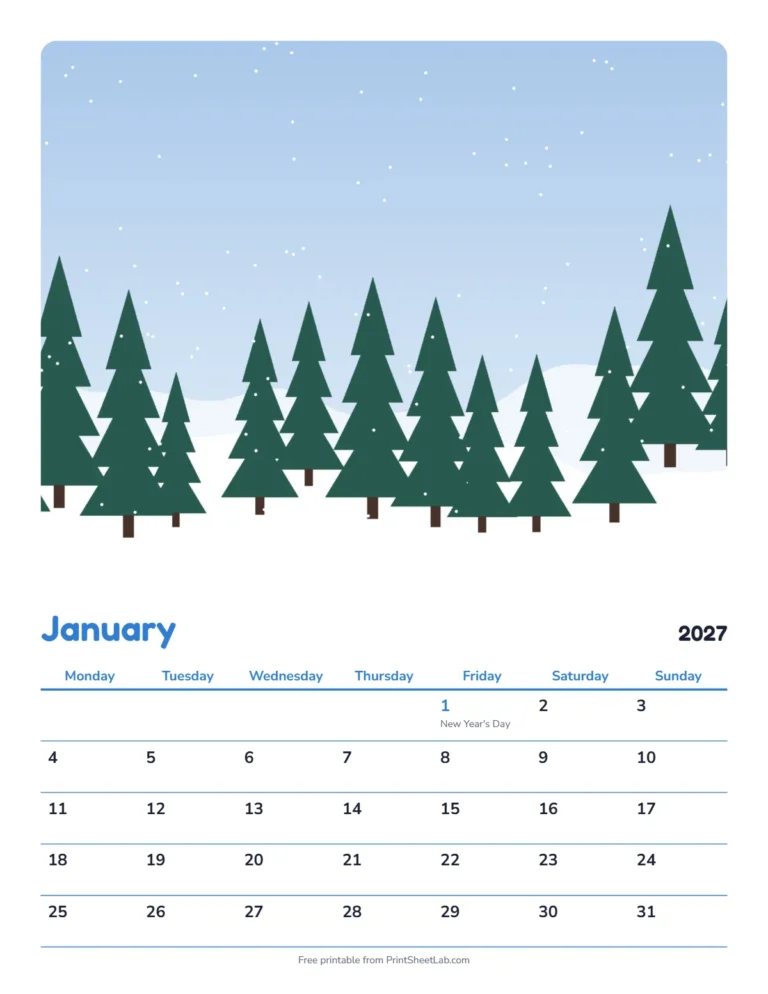
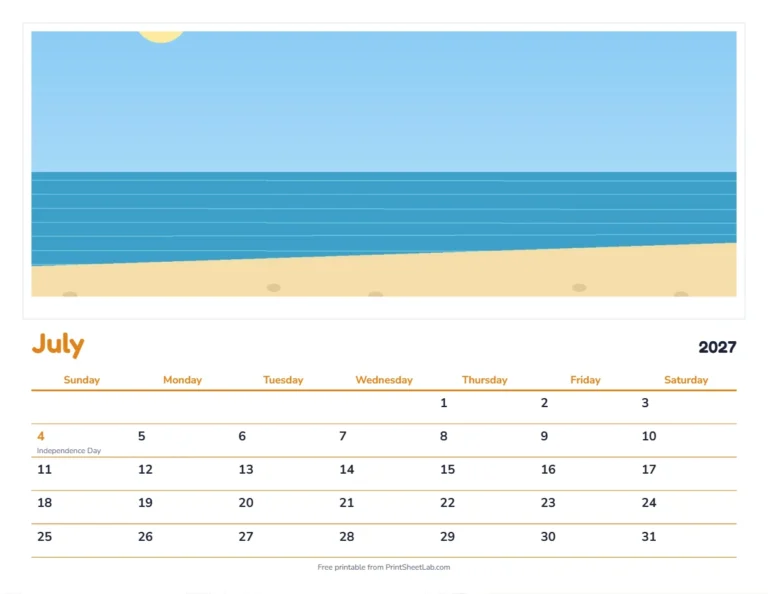
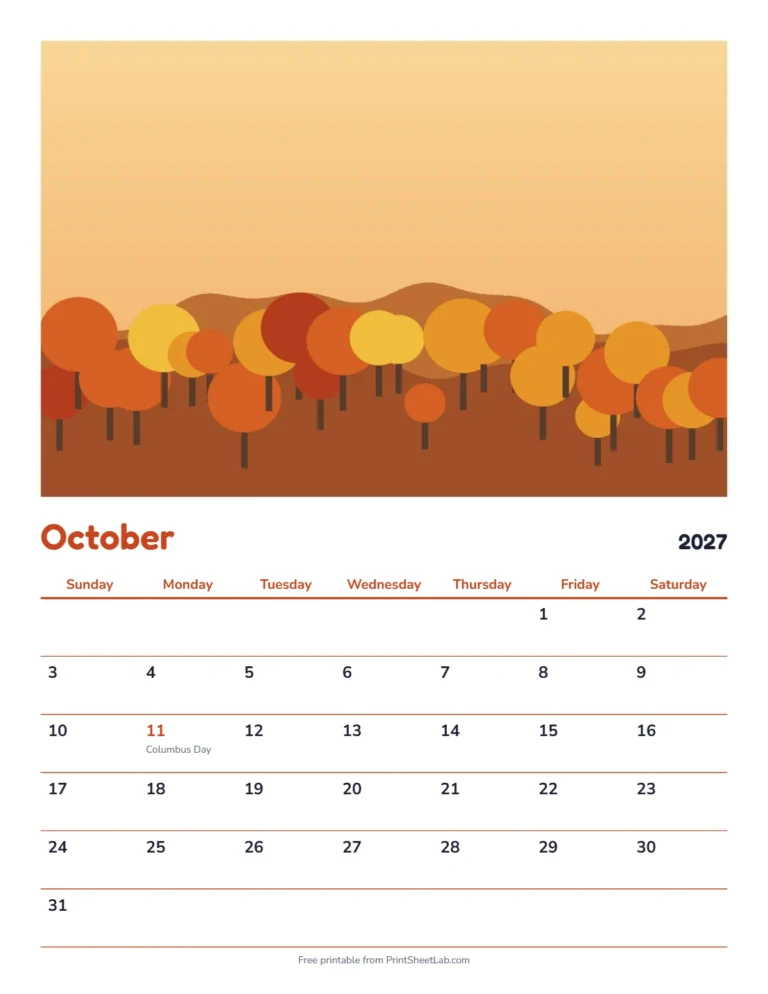
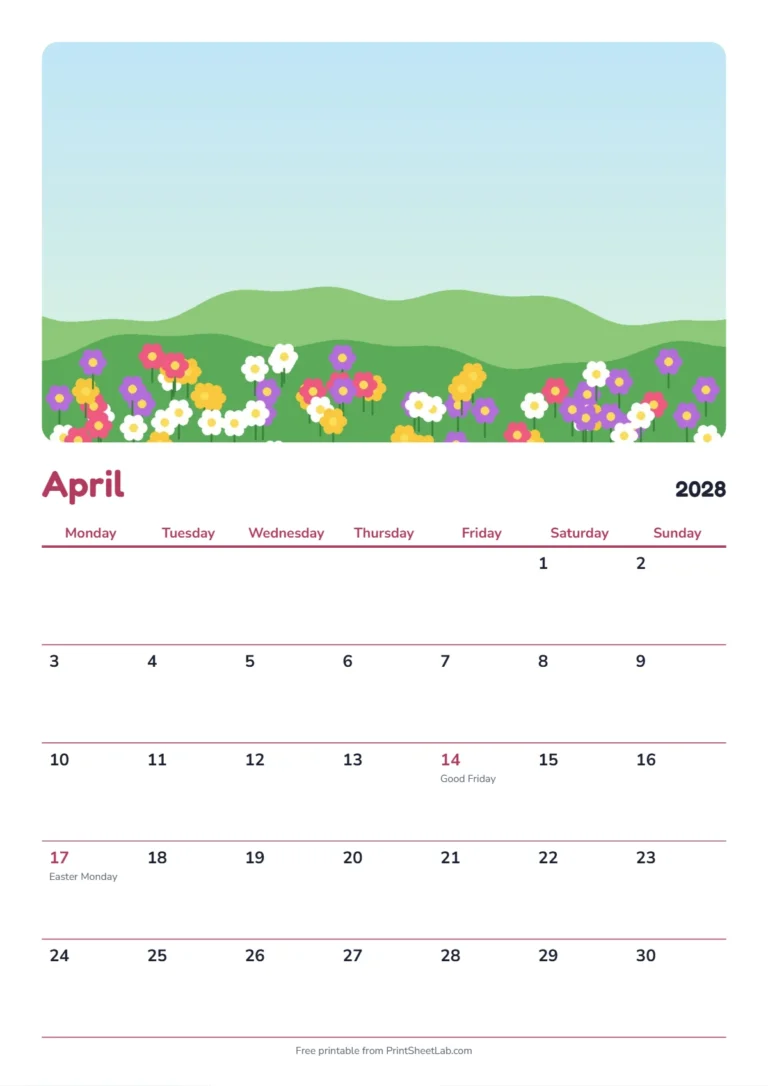
These four custom photo calendar examples show the main layouts: a snowy January with a tall rounded photo, a July page with a white border, an October page with an edge-to-edge picture, and an A4 April page with UK holidays. They use simple sample pictures; your own photos replace them in the maker.
How to make a photo calendar
- Add your photos. Open the Photos section and choose one photo for every month, or pick up to 12 at once to fill January to December. Tap any month square to swap its photo.
- Frame them. Choose the photo height (40%, 50% or 60% of the page), rounded corners, edge to edge or a white border, and whether to keep the top, center or bottom of each picture.
- Style the pages. Pick a color theme or set your own colors, and choose fonts for the month names and the numbers.
- Personalize it. Add a title such as your family name, your own dates like birthdays and anniversaries, and US or UK holidays.
- Download the PDF. You get a cover page and 12 month pages in one file, ready to print at home or at a print shop.
Photo tips for a sharp calendar
- Use landscape photos. The photo area is wider than it is tall, so horizontal pictures crop best.
- Use the original file. Photos straight from a phone or camera print sharper than images saved from social media or messaging apps.
- Keep faces away from the edges. If heads are cut off, change the photo focus to Top.
- Match the season. Snow for January, flowers for spring, the beach for summer and pumpkins for October make the calendar feel finished.
Printing and binding
- Print on heavier paper (card stock around 65 to 110 lb, or 176 to 300 gsm) so the pages do not curl on the wall.
- Choose “Actual size” or 100% in the print settings.
- Staple the top edge, punch two holes and use ribbon, or take the PDF to a print shop for spiral binding.
- Print the cover and January single-sided, then hang the calendar on a small nail or clip.
Photo calendar ideas
- Family calendar gift for grandparents, with a year of family photos and everyone’s birthdays already marked.
- Classroom calendar with photos from class trips and the school holidays added as your own dates.
- Pet calendar with a different picture of your pet for every month.
- Travel calendar with your favorite trip photos.
- Baby’s first year calendar with a monthly photo.
Photo size and frame options in the photo calendar maker
| Setting | Options | Best for |
|---|---|---|
| Photo height | 40% of the page | More room for notes in the date boxes |
| Photo height | Half the page | A balanced wall calendar |
| Photo height | 60% of the page | Showing off a favorite picture |
| Frame | Edge to edge | Landscapes and bold, modern pages |
| Frame | Rounded corners | Family photos and a friendly look |
| Frame | White border | A classic printed-photo feel |
| Photo focus | Top, center or bottom | Keeping faces, sky or horizons in the crop |
How many pixels does a printable photo calendar need?
A full-width photo on a US Letter page is about 8 inches wide, and on A4 about 8.3 inches. At 300 dots per inch (dpi), the usual standard for sharp prints, that needs a picture about 2,400 pixels wide; at 150 dpi, which still looks good from across a room, about 1,200 pixels is enough. A 12-megapixel phone photo is around 4,000 pixels wide, so almost any recent phone or camera photo works. Wikipedia’s dots per inch article explains why more pixels give a sharper print.
Make a calendar with pictures: a gift timeline
- September to October: choose a theme, such as family, pets, travel or a school year, and start collecting photos.
- Early November: pick one photo for each month, matching the season where you can, and add birthdays and anniversaries.
- Mid November: download the PDF and print a test page to check colors and cropping.
- Early December: print the final copies, or take the PDF to a print shop if you want spiral binding or a hanging strip.
- Before the holidays: add a ribbon or a small gift tag and wrap it.
The photo calendar maker builds calendars for 2025 to 2029, so you can make this year’s gift or plan ahead for the next one. A custom photo calendar also makes a good fundraiser for a class or club.
Why use a photo calendar maker?
A photo calendar maker lets you make a calendar with pictures that mean something to you, instead of buying a generic one. A custom photo calendar is a personalized calendar that grandparents keep all year, and a printable photo calendar costs only the paper and ink. Because the photo calendar maker runs in your browser, you can try different photos for each month, change the colors and print a test page before you make the final copies.
Frequently asked questions
9 quick answers
Is the photo calendar maker really free?
Yes. There is no sign-up, no watermark and no limit on how many calendars you make.
Are my photos uploaded anywhere?
No. The calendar is built in your browser, so your photos never leave your device. Reloading the page clears them.
Can I use a different photo for each month?
Yes. Choose up to 12 photos at once, or tap a month in the Photos section to set that month’s picture.
What size does it print?
US Letter, A4 or A5, in portrait or landscape. Portrait works best for a wall photo calendar.
What size should my photos be?
For a sharp print, use photos at least 2,000 pixels wide, which most phone cameras easily exceed. The maker resizes very large photos to 2,400 pixels on the long side, which is plenty for a full-width picture on US Letter or A4.
Can I make a personalized calendar as a gift?
Yes. Add family photos, a title such as “Grandma’s 2027 Calendar” and everyone’s birthdays under Your own dates, then print it on card stock or take the PDF to a print shop.
Can I make a photo calendar for 2028?
Yes. Choose the year under Calendar, from 2025 to 2029, and the dates and holidays are filled in for you.
Can I use holidays from other countries?
Yes. Choose US, UK, Canadian, Australian, Irish, Indian or UAE holidays, and add a festival calendar such as Christian, Jewish, Islamic, Hindu or Chinese dates on top.
Can I add birthdays?
Yes. Type them under Your own dates as month/day and a name, one per line, for example 03/14 Mia’s birthday. They appear on every year you make.
More calendars
- Make a plain monthly or yearly calendar with the calendar maker.
- Print the 2027 calendar as a year at a glance.