This free hidden message word search generator (also called a hidden message word search maker or creator) works online and turns your word list into a printable puzzle with a secret message. Once every word is found, the leftover letters, read row by row, spell out your message. Type your words and message, pick the difficulty, fonts and colors, and download a PDF with a matching answer key for US Letter or A4. No sign-up, and your message is never uploaded. Some teachers call it a secret message word search, because the unused letters reveal the answer once every word is found.
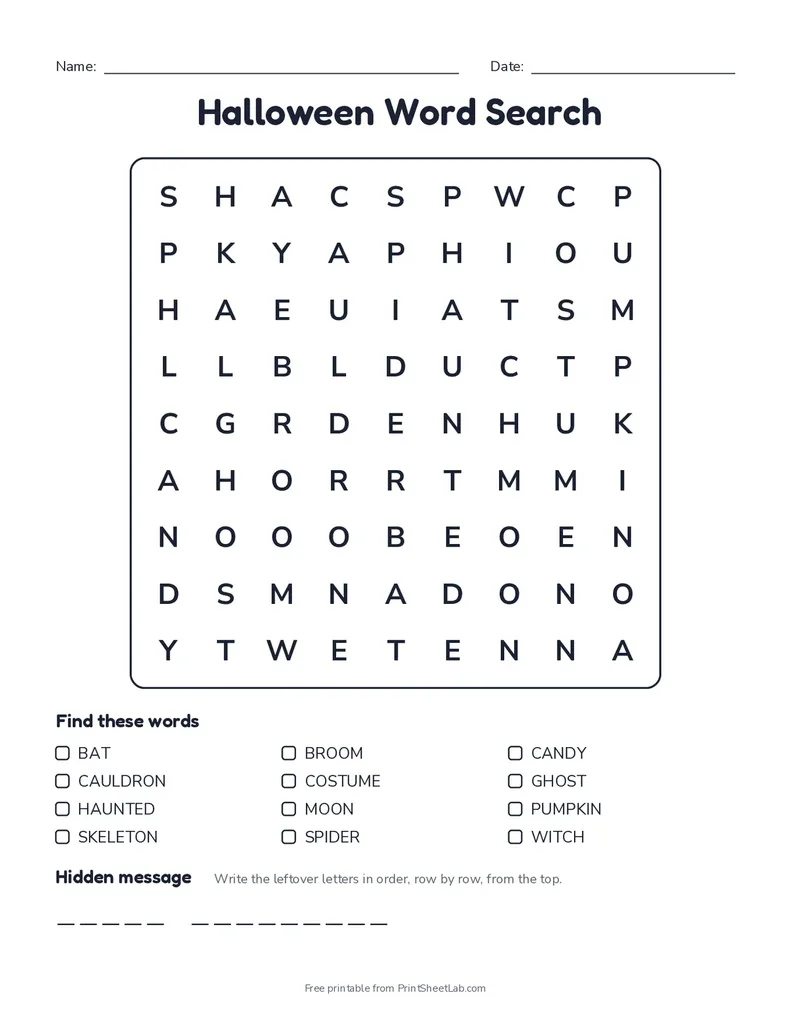
In short: a hidden message word search is a word search where the leftover letters spell a secret message once every word is found. Make one with the free online hidden message word search generator, or print one of the ready-made hidden message word search PDFs below, each with an answer key that circles the message letters.
Hidden message word search printables (PDF)
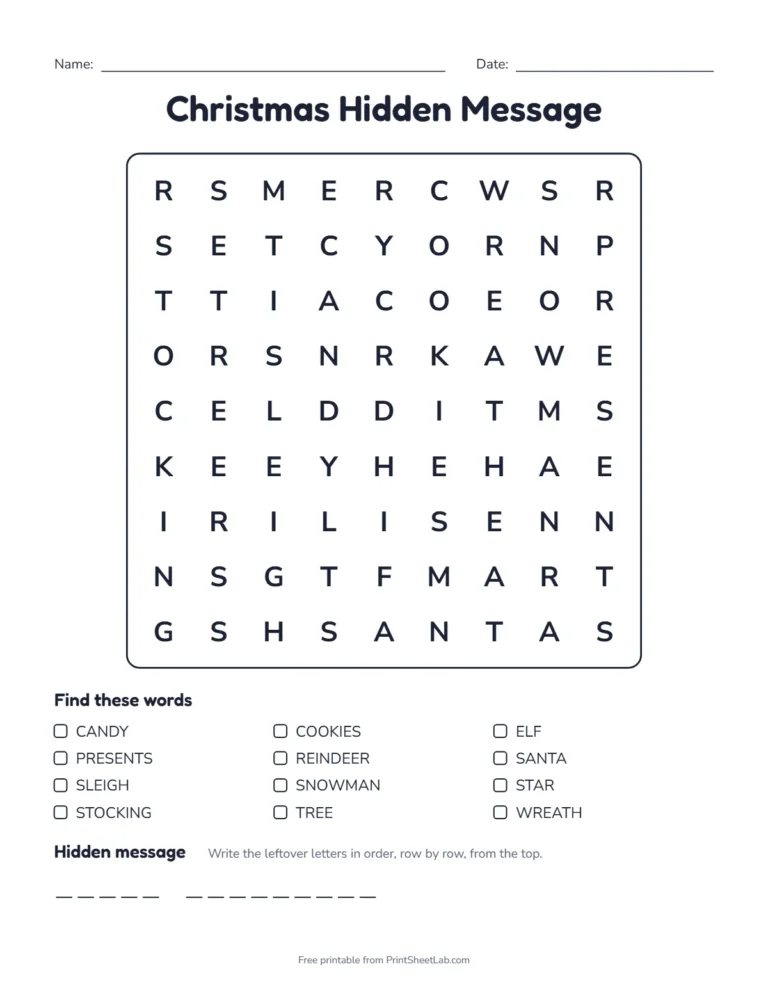
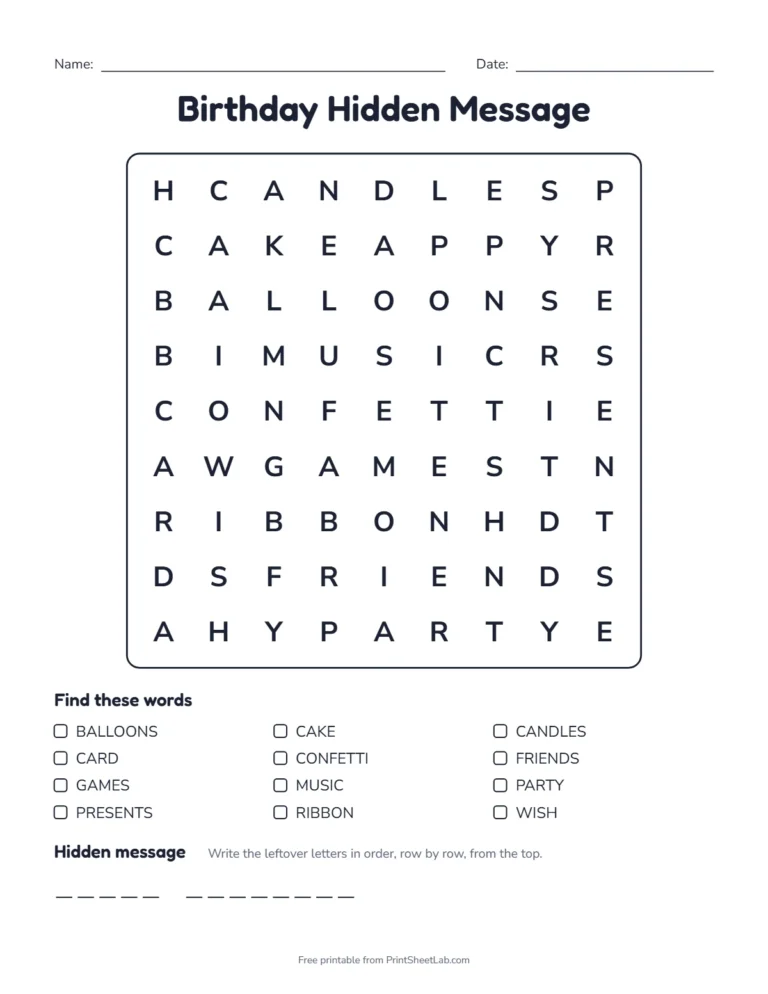
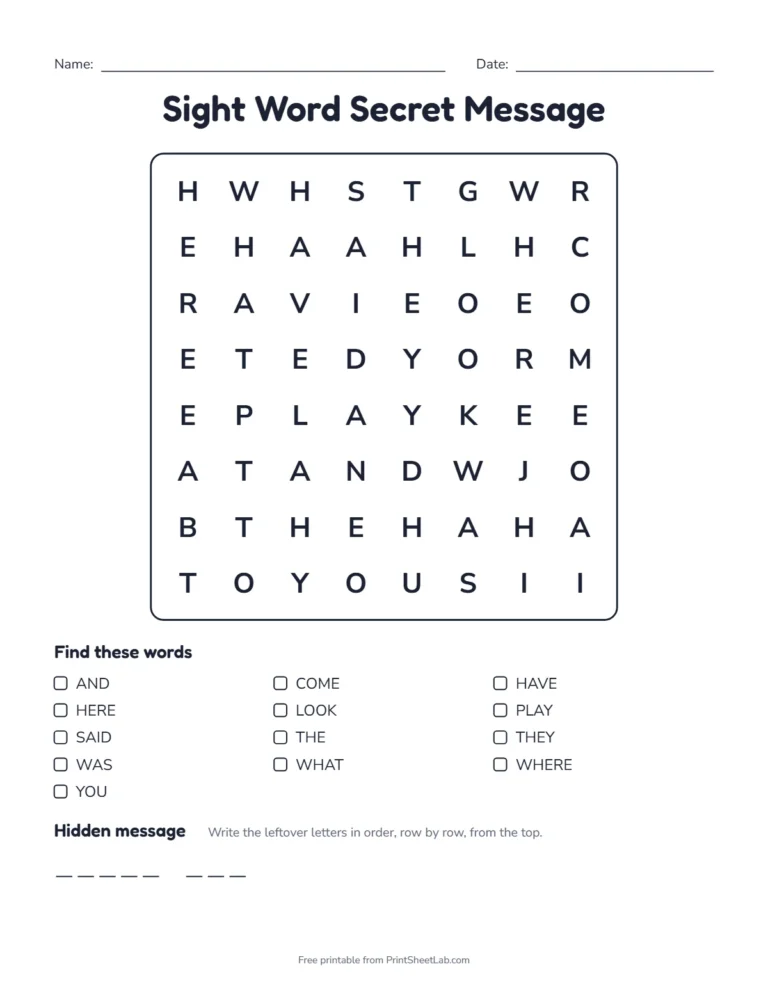
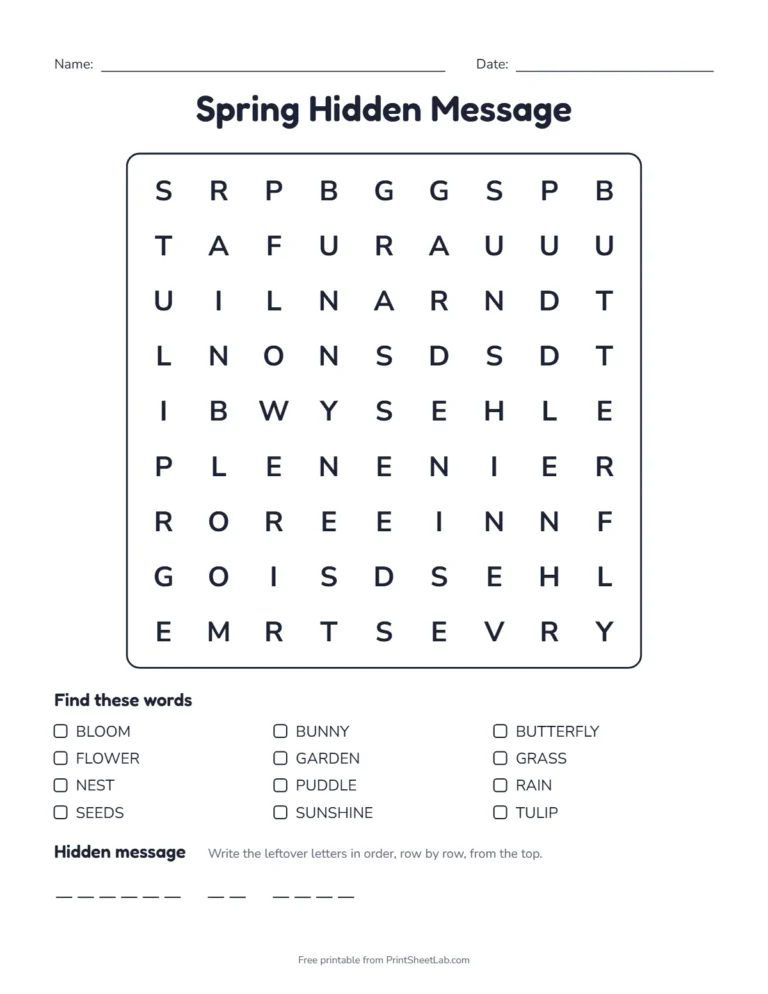
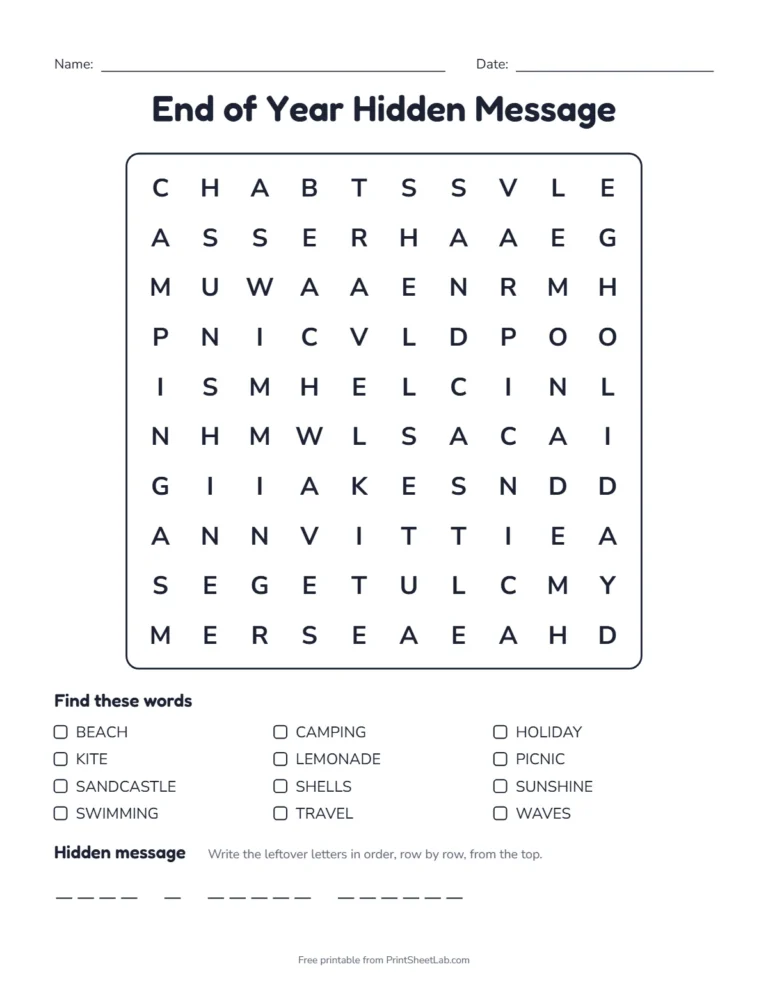
Eight ready-made puzzles for holidays, parties and the classroom. Each hidden message word search printable has an answer key on page two. Press Customize to change the words, the message or the grid before printing.



How to use the hidden message word search generator
- Add your words. Pick a ready-made theme (Halloween, Christmas, animals, sight words and more) or choose “My own words” and type one word per line.
- Type your hidden message in the “Hidden message” box, for example “Happy Halloween” or “Great job class”.
- Choose the difficulty. Easy hides words across and down, medium adds diagonals, and hard lets words run backwards too.
- Style it with a title, fonts, colors and a border, and switch the answer key on or off.
- Download the PDF or print it straight from the page. Click “New puzzle” for a different layout with the same words and message.
How a hidden message word search works
The generator hides your words first. Your message then goes into the empty squares that are left, in reading order: left to right along each row, starting from the top. Any squares left over after the message are filled with random letters.
- Puzzle page: under the word list, a row of blanks shows how many letters are in each word of the message, so solvers know when to stop reading.
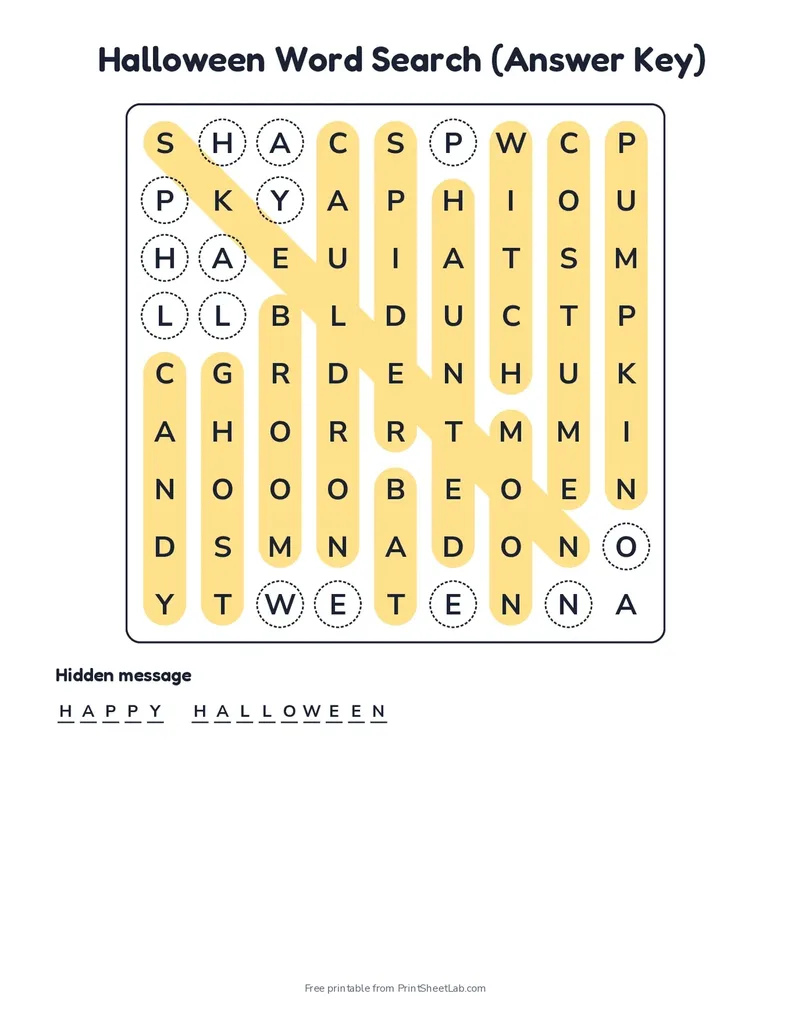
- Answer key: every hidden word is highlighted, every message letter is circled, and the finished message is written in the blanks.
- Grid size: the generator uses the smallest grid that fits all your words and the message, up to the size you choose. A tight grid spreads the message through the whole puzzle, so it cannot be spotted in the top row before the words are found.
- Every word appears exactly once. The generator checks the finished grid, message letters included, so a message cannot accidentally spell a second copy of a hidden word.
Hidden message word search ideas
Each idea opens the generator with the theme and message filled in. Change anything you like before printing.
| Occasion | Word list | Hidden message |
|---|---|---|
| Halloween party | Halloween | Happy Halloween |
| Thanksgiving table | Thanksgiving | Give thanks |
| Christmas activity | Christmas | Merry Christmas |
| Winter break | Winter fun | Stay warm |
| Classroom reward | Sight words | Great job |
| Science lesson | Outer space | Reach for the stars |
| Spring | Spring | Spring is here |
Other popular ideas: a birthday puzzle with the guest of honour’s name, a baby shower puzzle that reveals the baby’s name, a wedding or anniversary puzzle ending in “Just married”, a church or Sunday school puzzle with a short Bible verse, and an end-of-year puzzle that says “Have a great summer”. Type your own words and message for these.
Tips for a good hidden message word search
- Keep the message short: 8 to 20 letters works best. Longer messages need a bigger grid or fewer words.
- Use 8 to 15 words. Enough words cover most of the grid, which keeps the message hidden until the end.
- Avoid names in shared links. Your words, title and message stay on your device and are only added to a link if you choose “Copy share link”.
- Check the status line. If the message does not fit, the generator tells you how many letters it needs and how many squares are free.
- Numbers and punctuation are skipped. Only the letters A to Z go into the grid; spaces become gaps in the answer blanks.
How to solve a hidden message word search
- Find and circle every word in the list first. Do not guess the message early.
- Start at the top left square and read along the first row. Skip every letter that is part of a circled word.
- Write each leftover letter on the next blank under the puzzle, then carry on along the next row.
- Stop when the blanks are full. The letters you wrote spell the message.
Frequently asked questions
9 quick answers
What is a secret message word search?
It is a hidden message word search: after you circle every word, the letters you did not use, read in order, spell a phrase or a riddle answer. Our generator places the message for you, so it always fits exactly.
What is a hidden message word search?
It is a word search where the letters that are not part of any hidden word spell a secret message. Solvers find all the words, then read the leftover letters in order to reveal it.
How do I make a word search with a hidden message for free?
Type your words and your message into the hidden message word search generator above, then download the PDF. It is free, with no sign-up and no watermark.
How long can the hidden message be?
The box takes up to 60 characters, but the message also has to fit in the empty squares left after the words are placed. If it does not fit, choose a bigger grid, use fewer words or shorten the message.
Why is my grid smaller than the size I picked?
With a hidden message, the generator uses the smallest grid that fits everything, so the message is spread through the whole puzzle. The size you pick is the largest it will use. Remove the message to get the full size back.
Does it come with an answer key?
Yes. The answer key highlights every word, circles each message letter and writes out the message.
Is my message saved or sent anywhere?
No. The puzzle is made in your browser. Your words, title and message are not uploaded and are not added to the page link unless you copy a share link yourself.
Can I make a hidden message word search in Microsoft Word?
You can type a letter grid into a Word table by hand, but placing the words and fitting the message is slow and easy to get wrong. The generator does it in a second and makes the answer key for you.
Can I make it harder for adults?
Yes. Choose “Hard” so words can run backwards and diagonally, and use longer words. The message stays hidden until the last word is found.
More puzzles
- Word search generator for puzzles up to 20 by 20 without a message.
- Halloween word search ready to print.
- Halloween puzzle pack with four word searches from easy to hard.
- Spelling worksheet generator with word searches for any spelling list.
- Sight word worksheets to pair with the sight word puzzle.
- Holiday worksheets for Halloween, Thanksgiving, Christmas and more.
- Printable mazes and sudoku for more brain teasers.
- Bingo card generator and party games for birthdays and celebrations.
- Award certificates to go with a classroom reward puzzle.
- All puzzles.