A free flash card maker for printable flash cards, with no sign-up. Choose picture flash cards for toddlers and preschool (alphabet, animals, colors, shapes, fruits, vehicles, feelings and more), math facts from addition to division, states and capitals, or type your own questions and answers. Print them double-sided with backs that line up, or as easy fold-over cards, 4, 8 or 12 to a page.
In short: this flash card generator makes printable flash cards in your browser. Pick a ready-made set or type “front | back” lines, choose jumbo, large or small cards, then print or download a PDF. Picture sets use clear, colorful pictures with the word underneath, which suits toddlers and early readers, and an online flip-card game lets children practise on screen.
Practice online with flip cards
Tap the card to flip it. Choose “I knew it!” or “Still learning” and the cards you miss come back later in the round. Picture sets work here too, so little ones can name the animal or color before they turn the card.
Printable flash cards PDF
Download a ready-made deck, or press Customize to open it in the flash card maker and change the set, size or layout.
Picture flash cards for toddlers and preschool

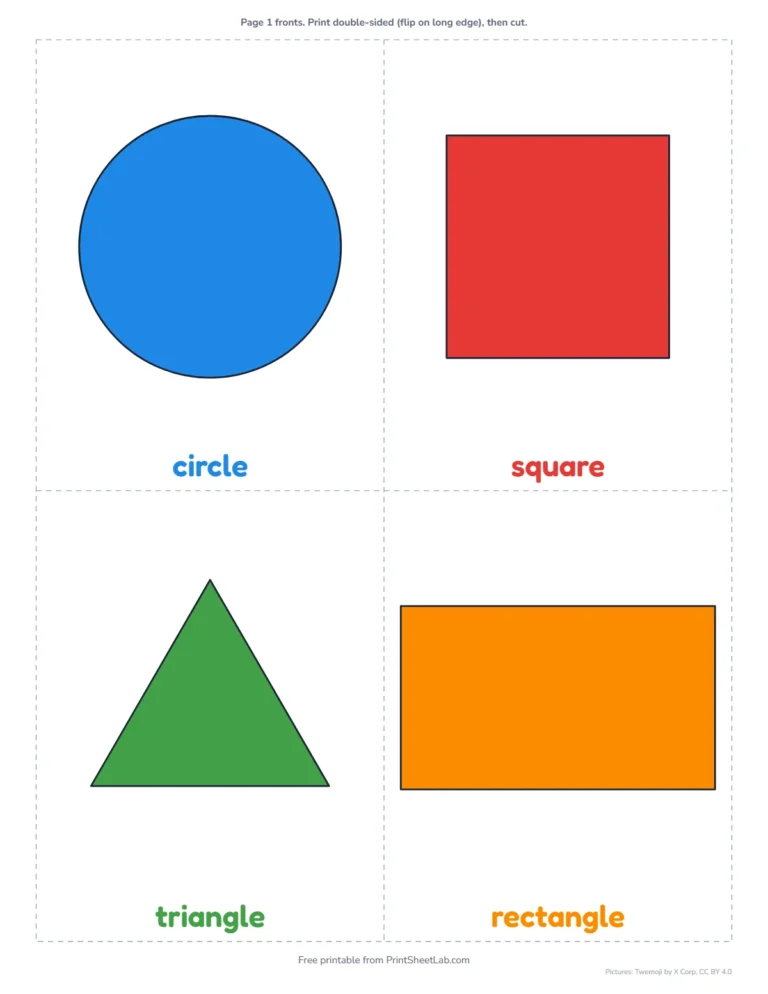
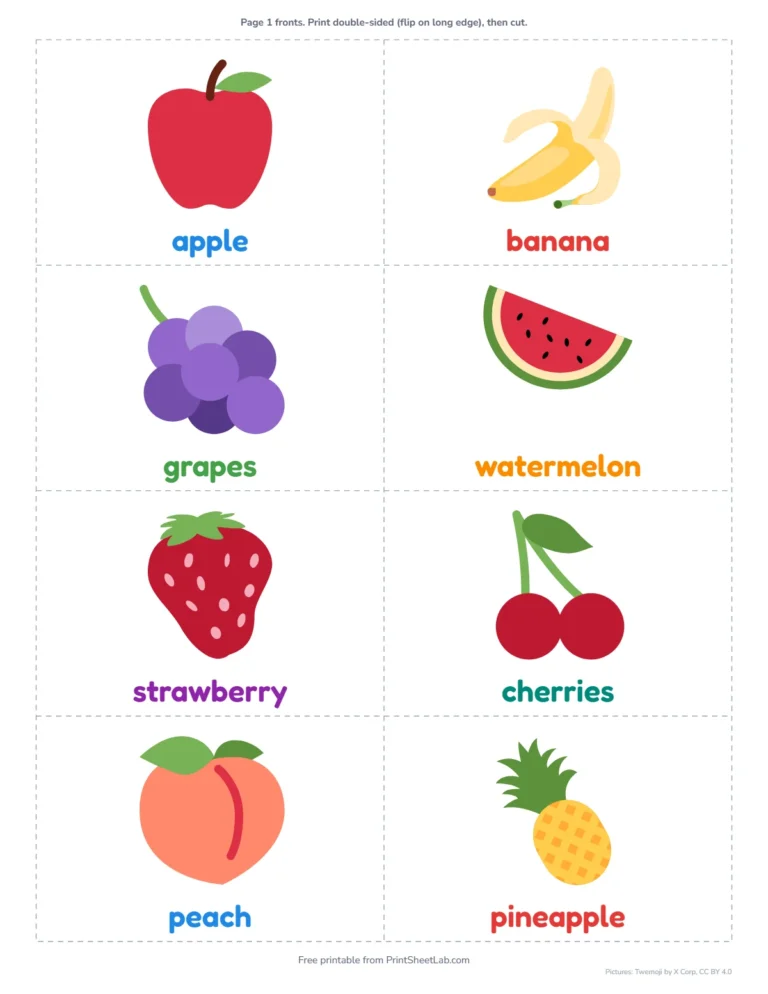
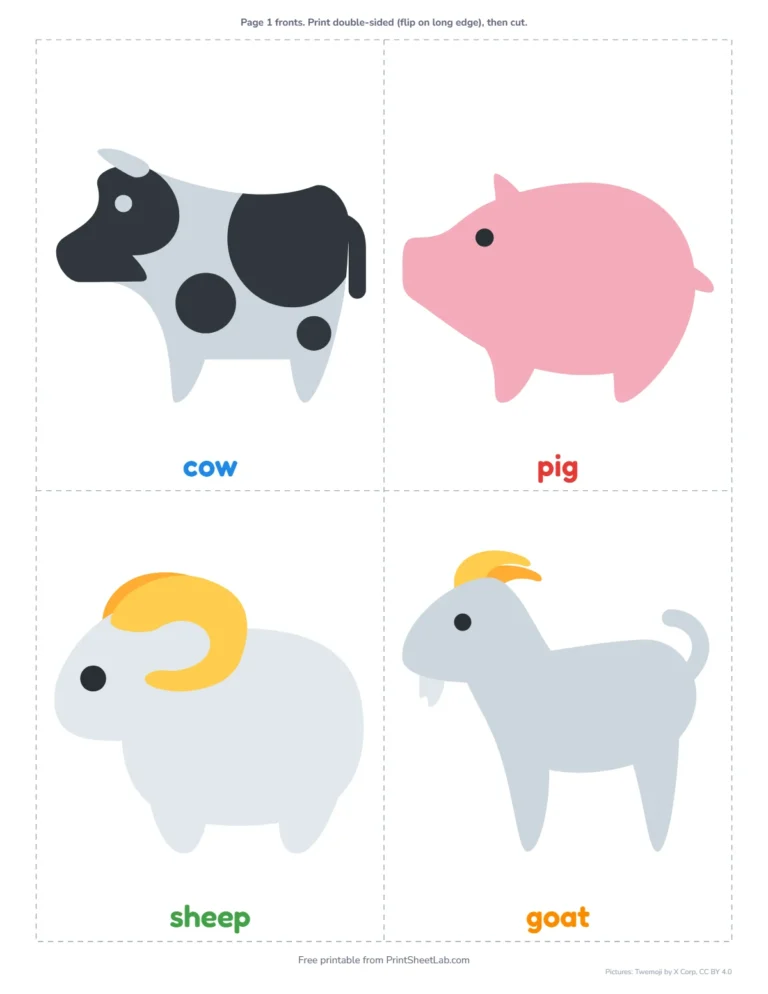
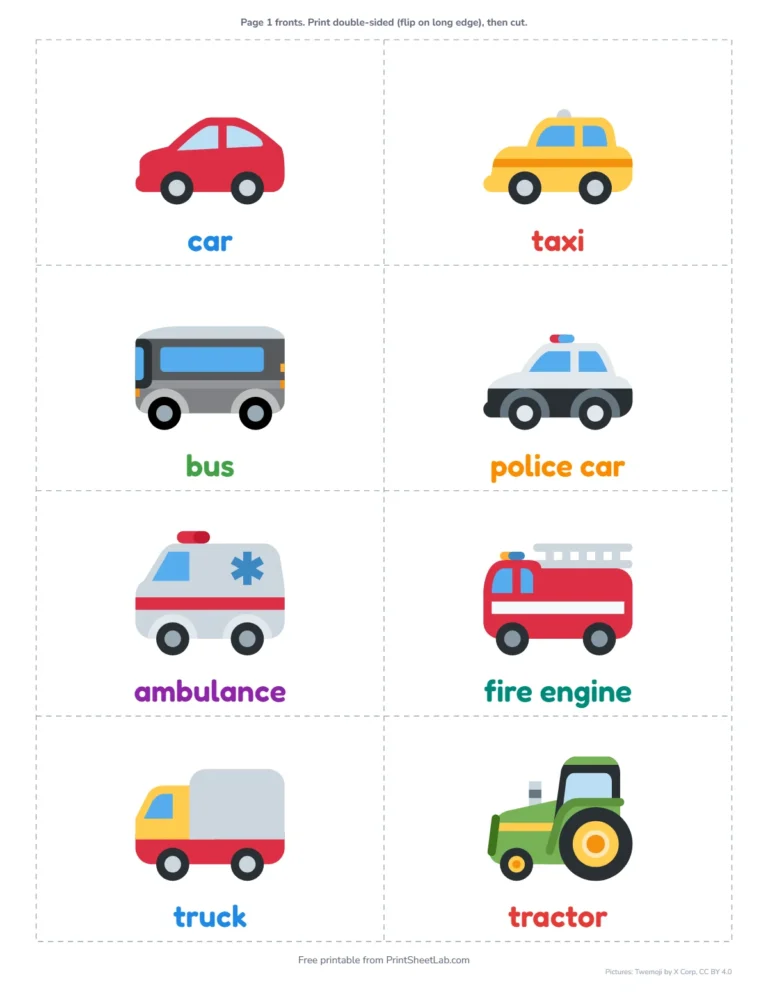
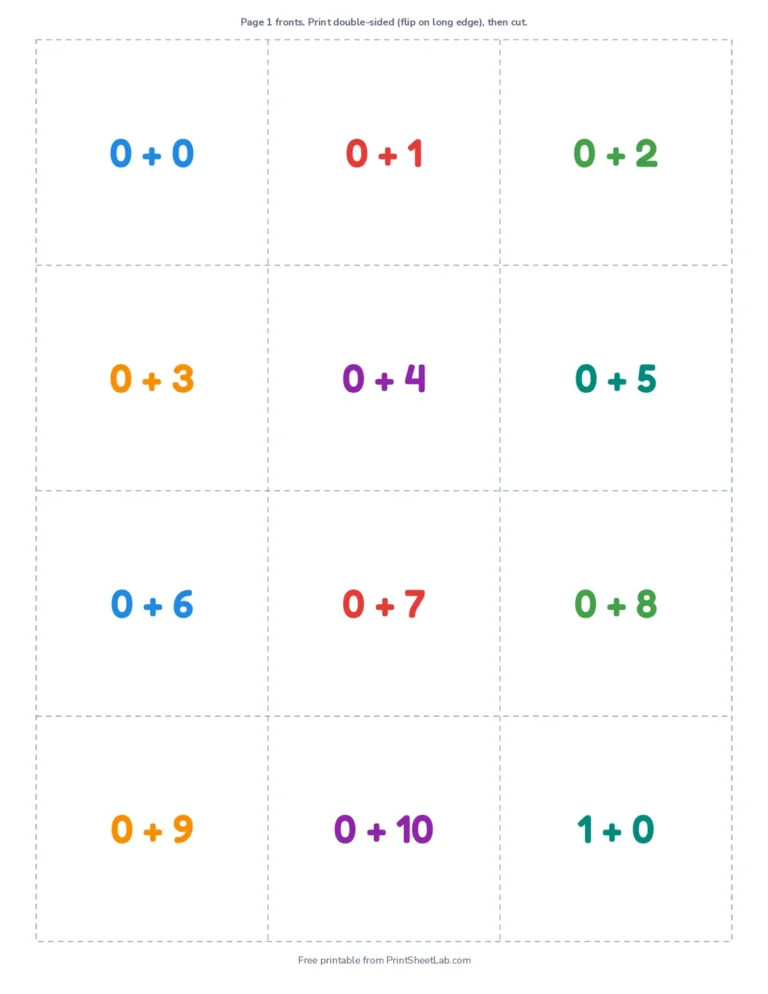
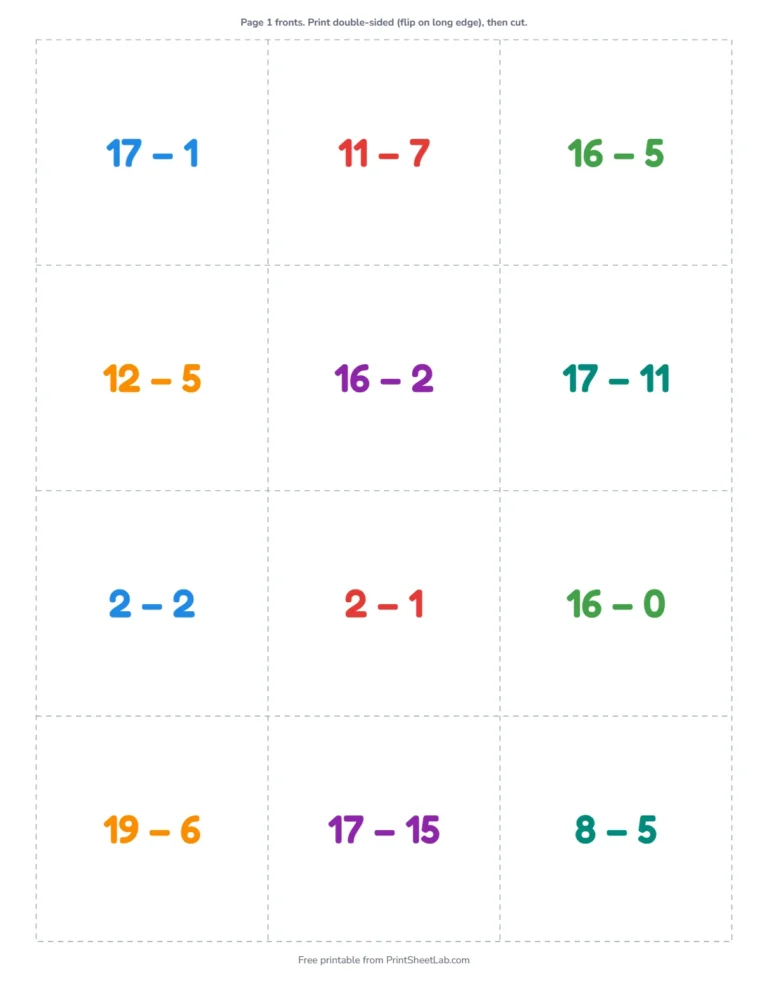
Math flash cards
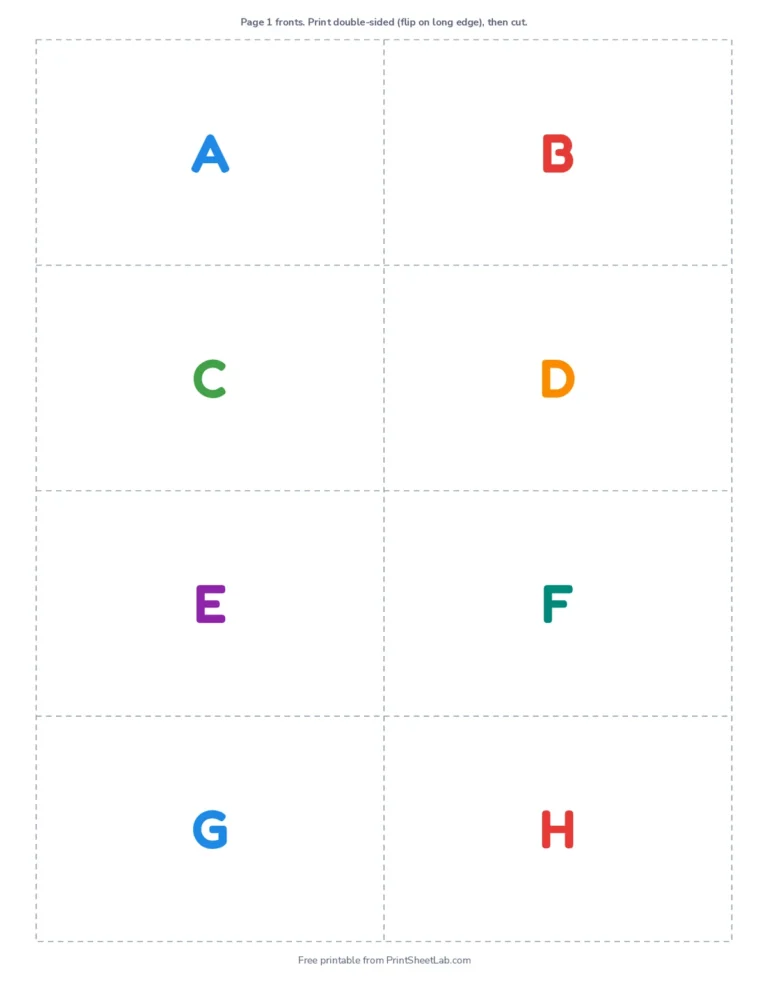
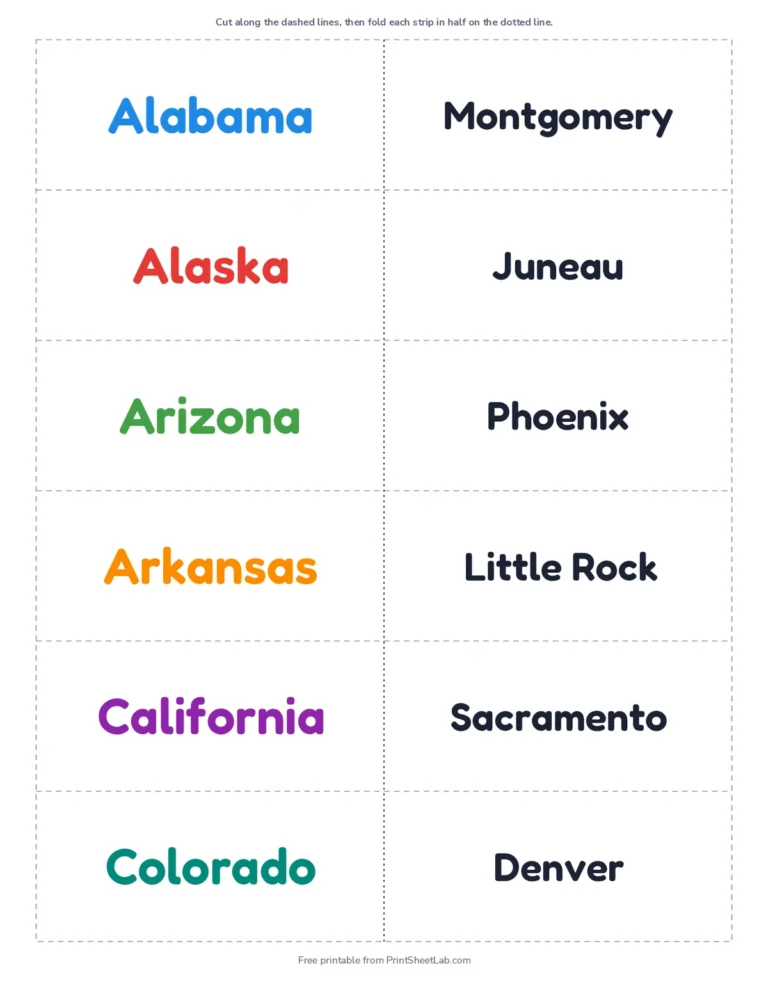
Alphabet, states and a blank template
Flash cards with pictures
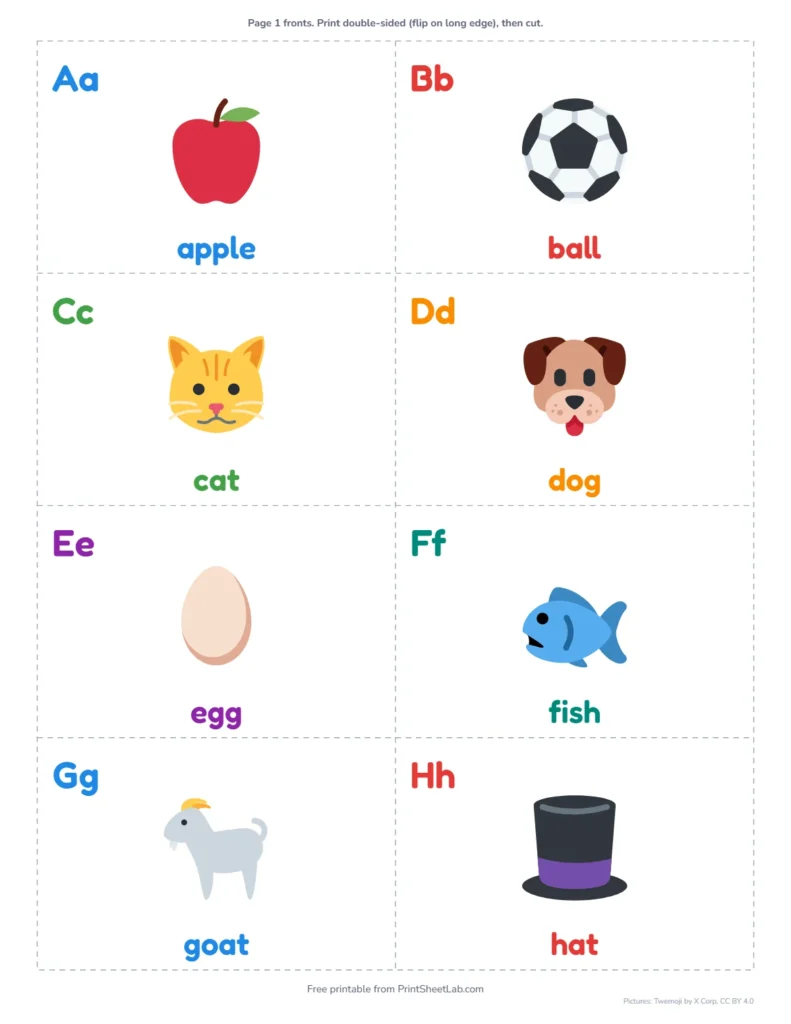
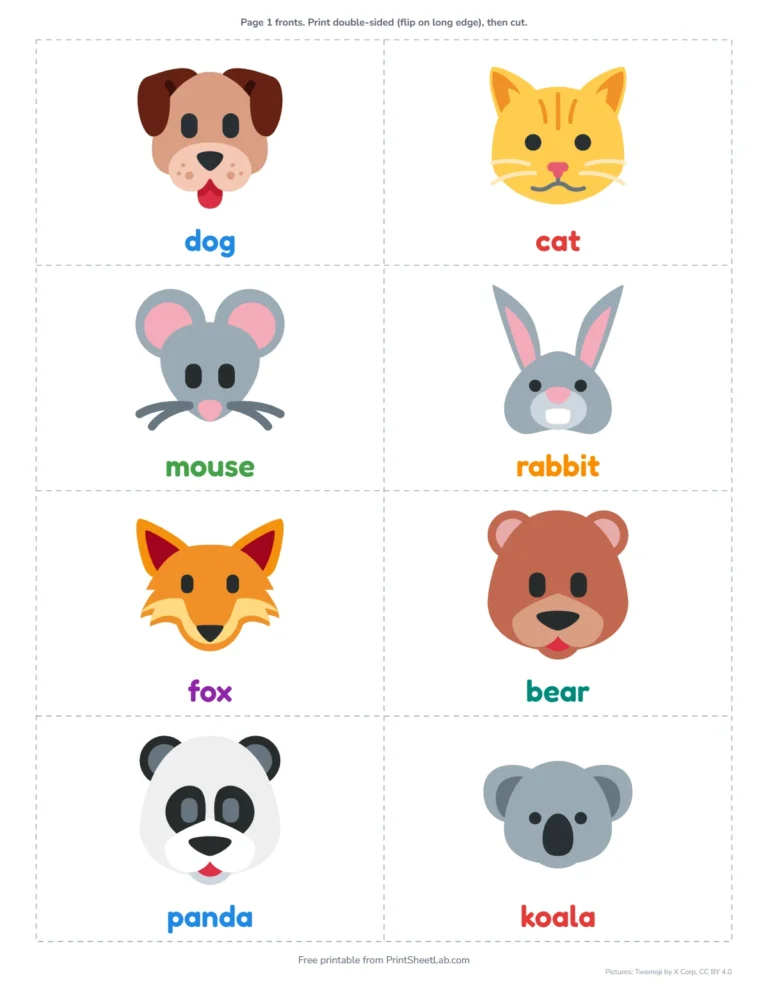
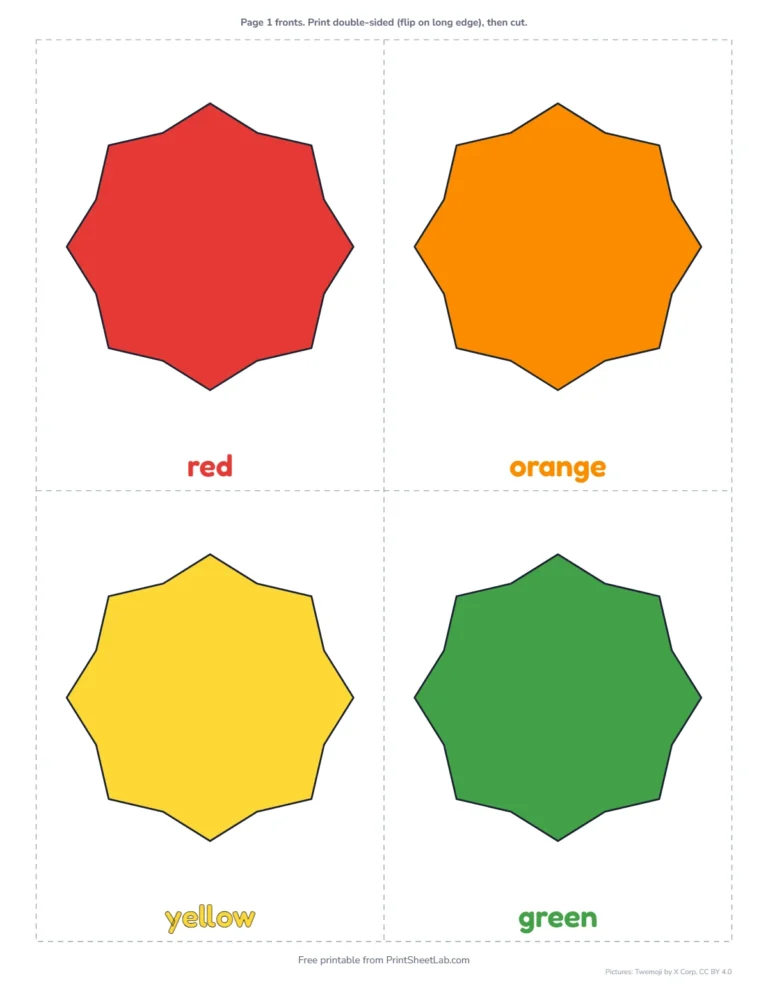
Young children learn words fastest when they can see the thing itself. The picture sets in the flash card maker show one clear picture per card with the word underneath, and the back repeats the word in large letters so older children can practise reading it. Turn off Word under the picture for a naming game, where the child says the word and then flips the card to check.
| Set | Cards | Good for |
|---|---|---|
| Alphabet with pictures | A is for apple to Z is for zebra | Letter sounds, ages 2 to 5 |
| Colors and shapes | 11 colors, 12 shapes | First words for toddlers |
| Animals, farm, ocean animals | 24 to 30 each | Vocabulary and animal sounds |
| Fruits and vegetables, food | 27 each | Naming foods, picky-eater games |
| Vehicles, weather, space, bugs and garden | 22 to 26 each | Topic words for preschool themes |
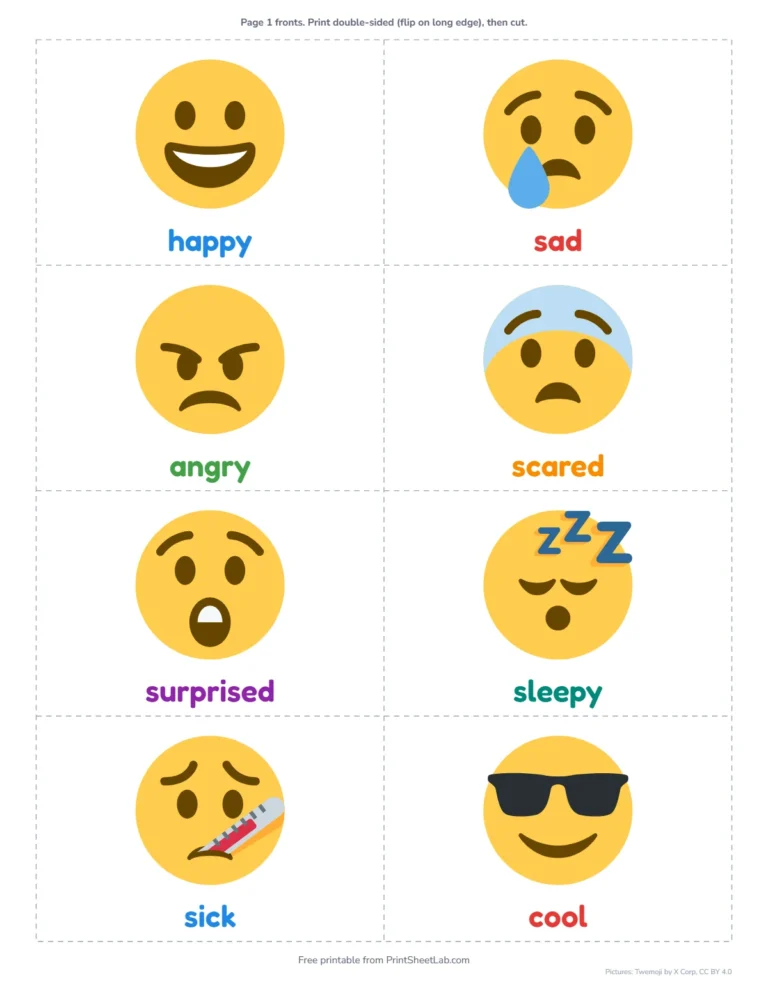
| Feelings | 24 emotion faces | Talking about emotions |
Printable flash cards for toddlers and 2 year olds
- In the flash card maker, choose 4 jumbo cards per page so pictures are big and easy to hold.
- Start with 5 to 10 cards of one set, such as animals, and add more as words stick.
- Print on card stock, or glue paper cards onto card, so they survive little hands.
- Keep sessions short and playful: hide cards around the room, or ask for “the one that says moo”.
Make your own flash cards with the flash card maker
Choose My own cards and type one card per line, with the front and back separated by a bar, like cat | gato. Use it for spelling words, vocabulary, foreign-language words, science terms or test review. Quizzing yourself with cards works better than rereading notes because it is a form of retrieval practice, one of the study strategies best supported by memory research. You can make up to 200 cards at a time. Your cards stay in your browser and are never uploaded. Prefer to write by hand? Print the blank flash card template, which keeps the cut lines and front-to-back alignment.
Double-sided or fold-over?
| Layout | How it works | Best for |
|---|---|---|
| Double-sided | Fronts and backs print on alternate pages. Print double-sided and flip on the long edge; the answers line up behind each question. | Classic cards to cut and keep |
| Fold-over | Question on the left, answer on the right. Cut into strips and fold in half. | Printers without double-sided printing |
Popular sets
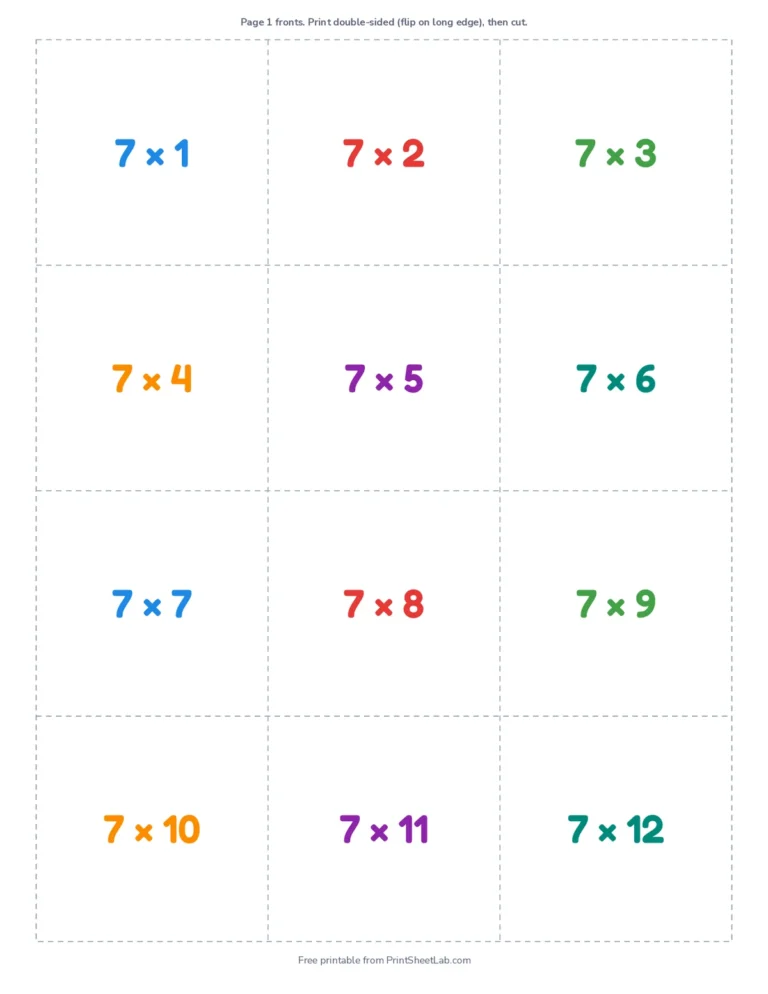
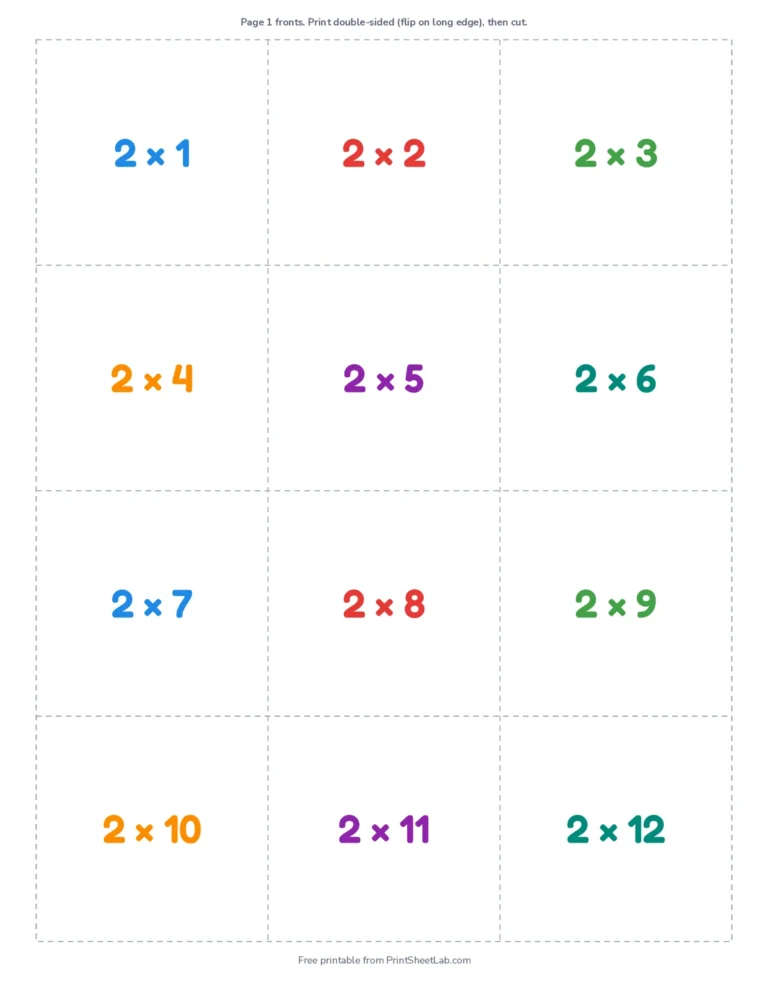
- 7 times table, or any multiplication facts from 1s to 12s.
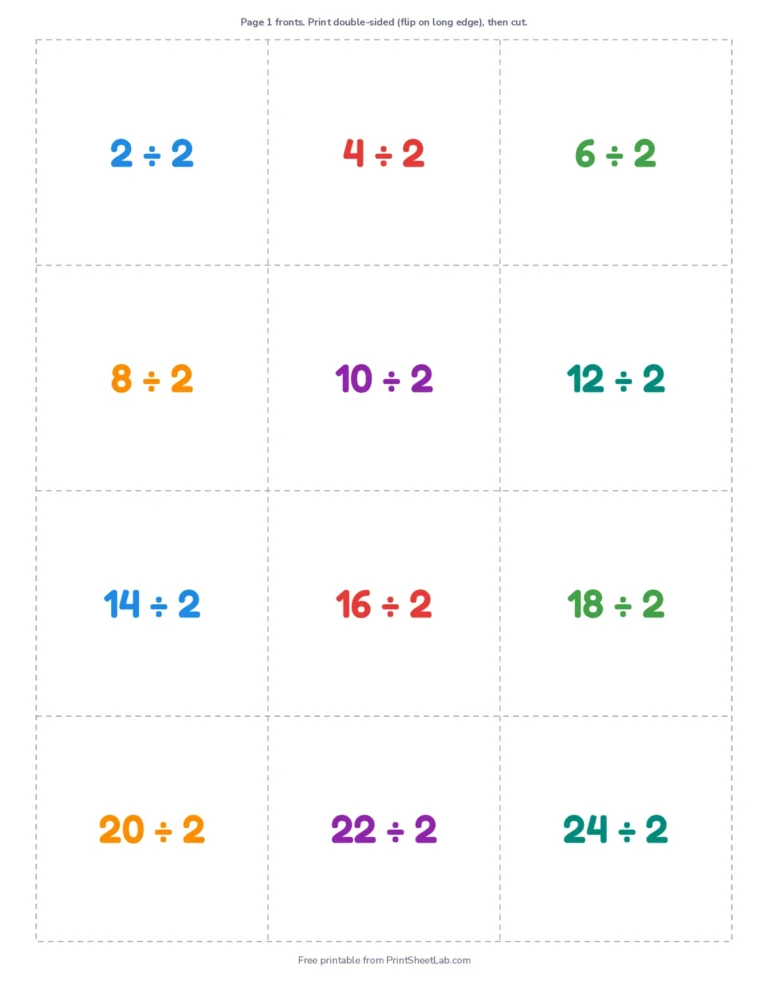
- Division facts that match the times tables.
- Addition within 10 and subtraction within 20.
- Alphabet cards with uppercase on the front and lowercase on the back.
- Numbers and number words from 0 to 20.
- States and capitals for all 50 US states.
Frequently asked questions
5 quick answers
Is this flash card maker free with no sign-up?
Yes. Every set and the flash card maker itself are free for home and classroom use. You do not need an account, and your own cards never leave your browser.
Can I make flash cards with pictures?
Yes. Pick any picture set, such as alphabet with pictures, animals, colors or shapes. Each card shows a picture with the word underneath, and you can hide the word for a naming game.
How do I print flash cards double-sided?
Print the PDF with “print on both sides” and “flip on long edge”. Every odd page holds the fronts and the page after it holds the matching backs, mirrored so they line up when you cut.
What size are the flash cards?
The flash card maker prints 4 jumbo cards, 8 large cards or 12 small cards per page, on Letter or A4 paper.
What paper should I use?
Card stock makes sturdy cards, but regular paper works well too, especially with fold-over cards.