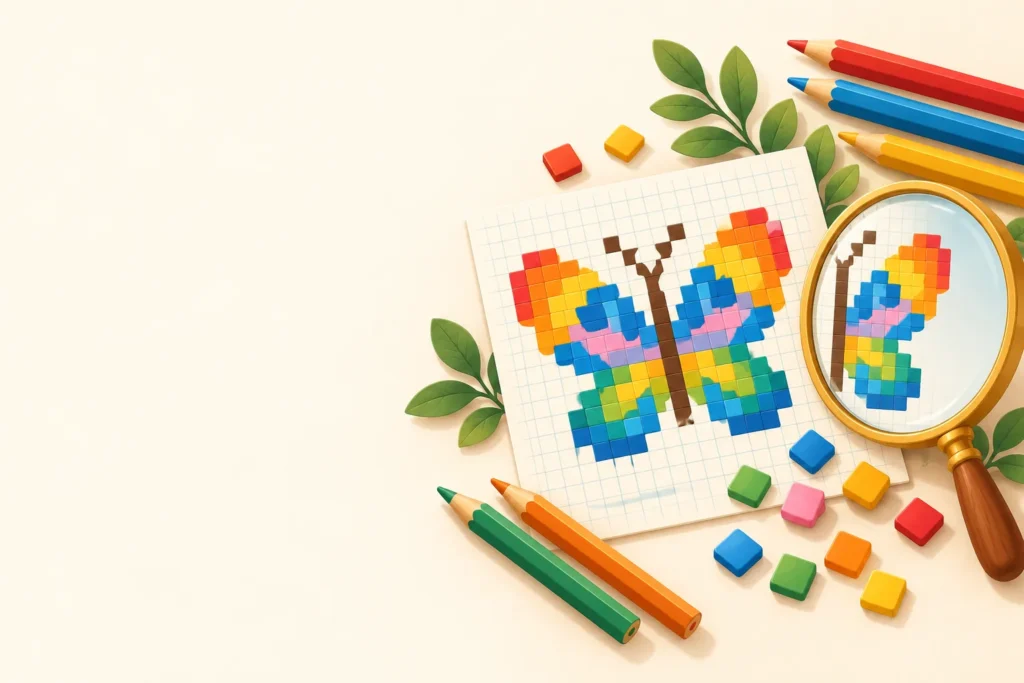
Make free pixel art worksheets in seconds: color by code mystery pictures with letters, numbers or addition, subtraction, multiplication and division facts, symmetry worksheets where kids finish the mirror image, grid drawing worksheets for copying a picture square by square, and blank grids for designing their own pixel art. Pick from 23 pictures, from a butterfly and a rocket to a penguin, robot and dinosaur, or press New pictures for endless symmetry patterns. Every page prints on Letter or A4 with an answer key.

Mirror it: a symmetry game for pixel art
The left half of the picture is done. Pick a color and tap the squares on the right to make a perfect mirror image, then press Check. Squares that do not match yet get a red outline.
Ready-to-print pixel art worksheets (PDF)
Twelve sets are ready to print, from letter codes to multiplication facts. Each card opens a PDF with its answer key; Customize loads the same settings into the generator so you can swap the picture or grid.
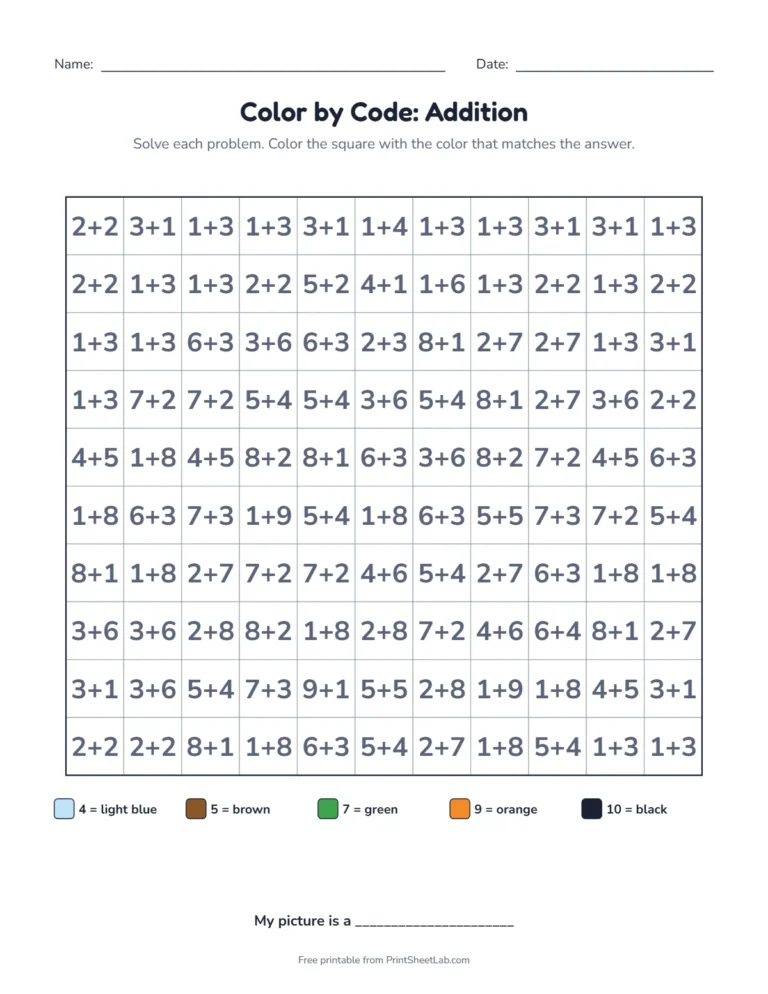
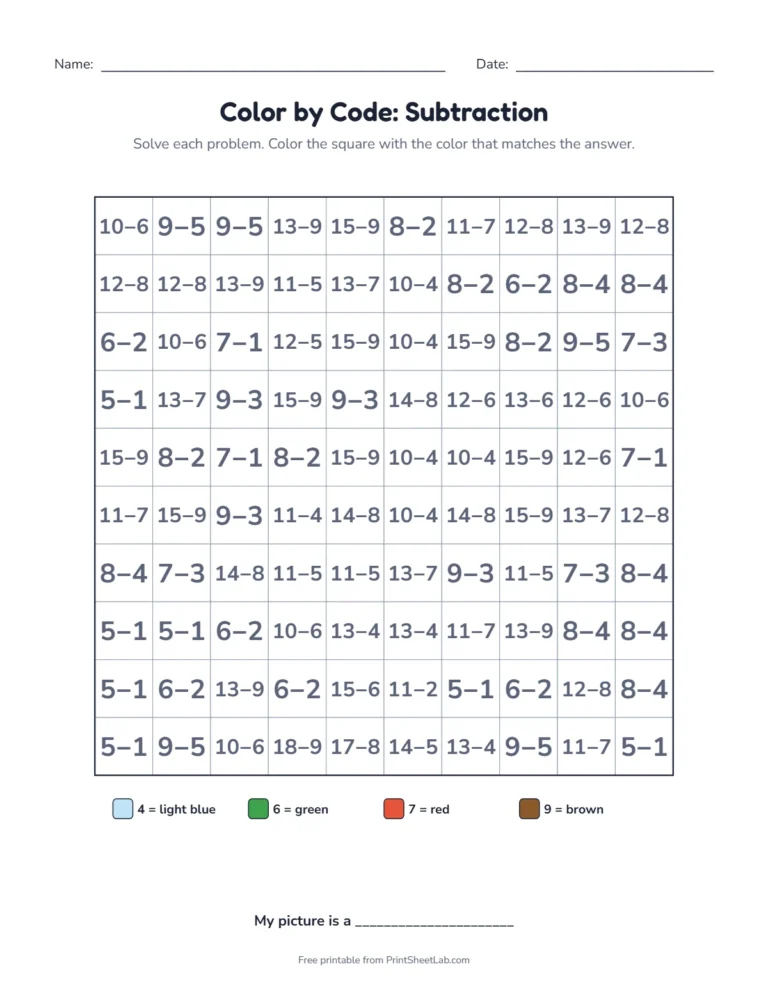
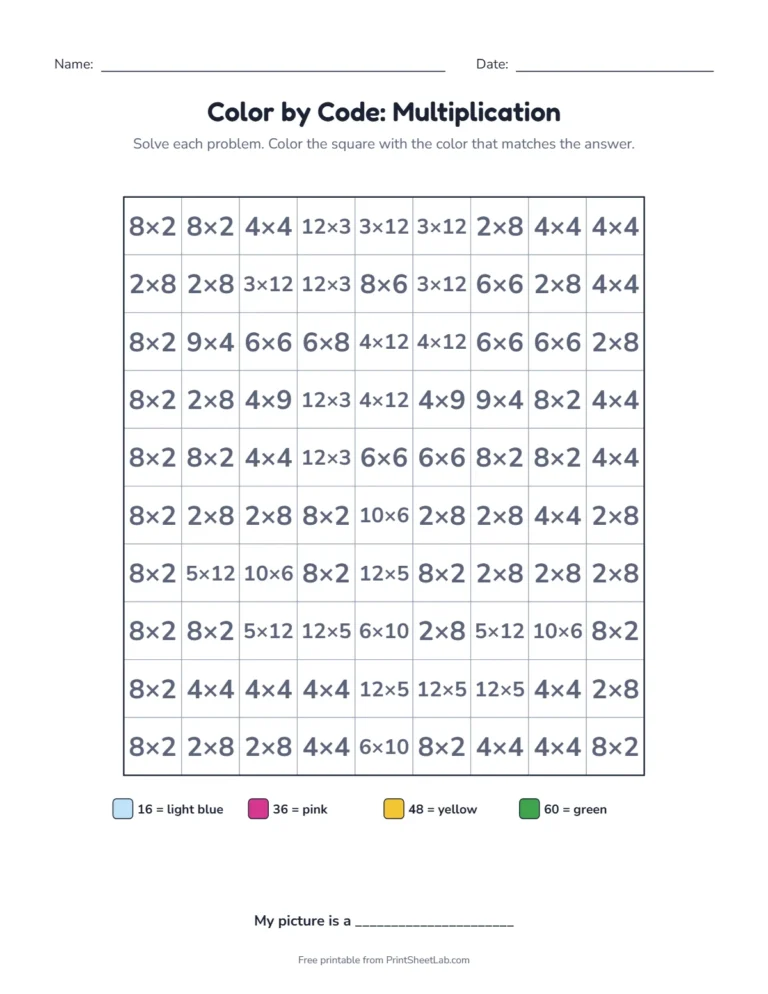
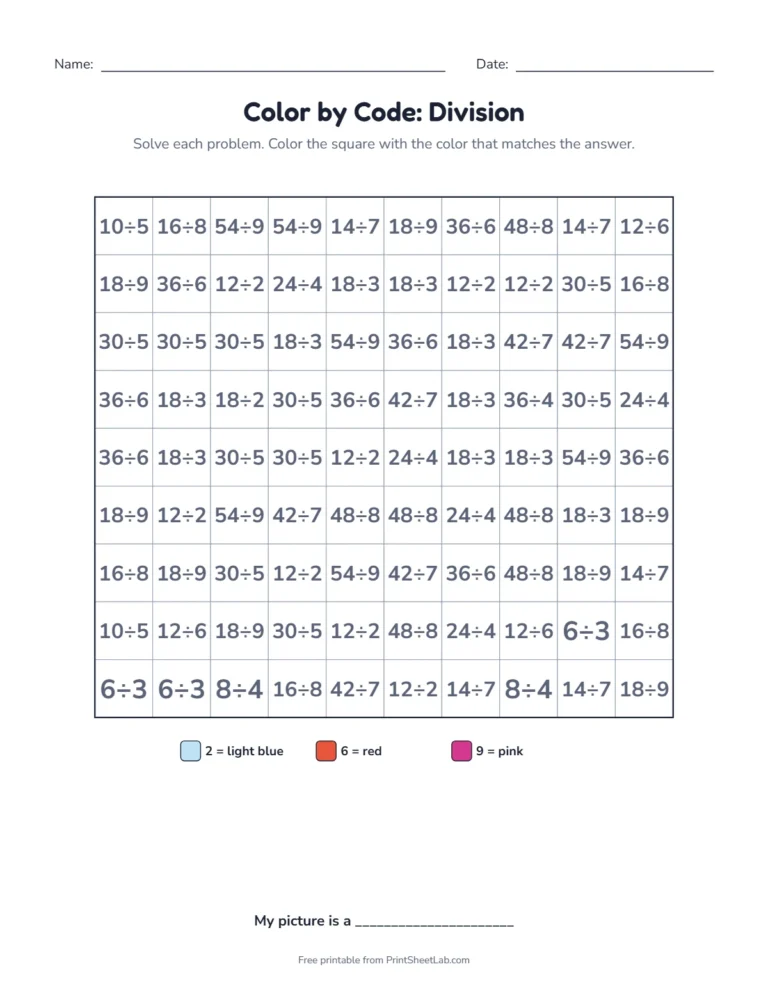
Four kinds of pixel art worksheets
| Activity | What children do | Skills |
|---|---|---|
| Color by code | Color each square by its code (a letter, a number or a math fact) to reveal a mystery picture | Following a key, focus, fine motor |
| Copy the picture | Copy a pixel picture square by square onto an empty grid with lettered columns and numbered rows | Grid coordinates, visual memory, drawing |
| Finish the symmetry | Complete the other half of a picture so both sides match | Symmetry, reflection, spatial reasoning |
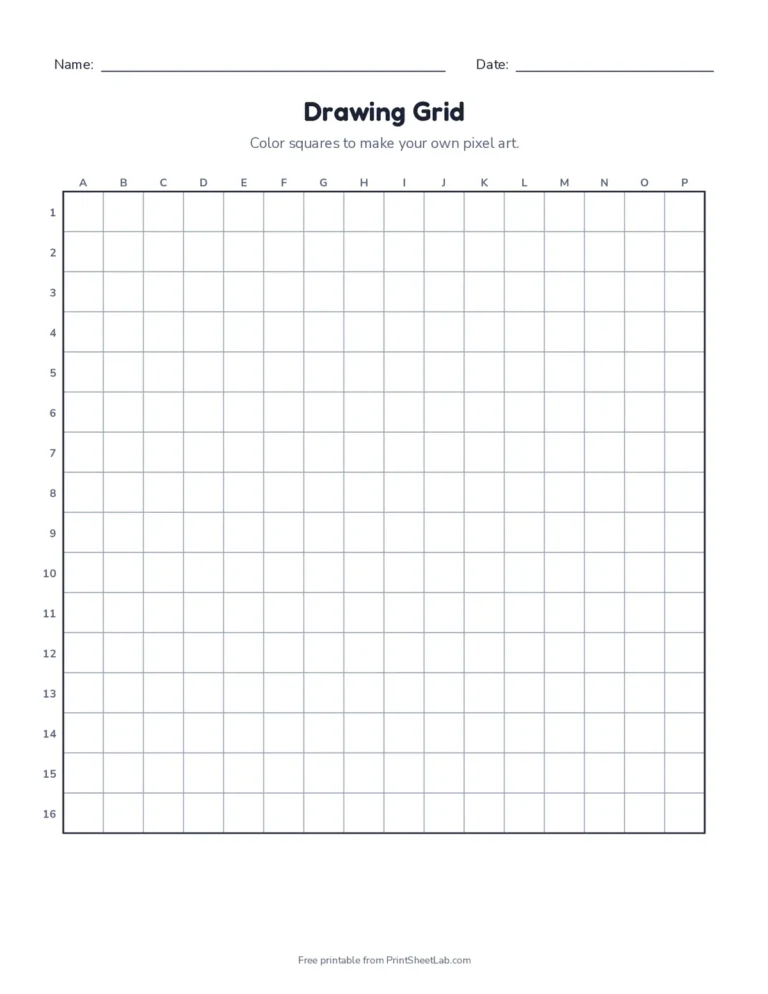
| Blank drawing grid | Design your own pixel art on an 8 by 8 up to a 20 by 20 grid | Creativity and planning |
Color by code pixel art worksheets: six kinds of code
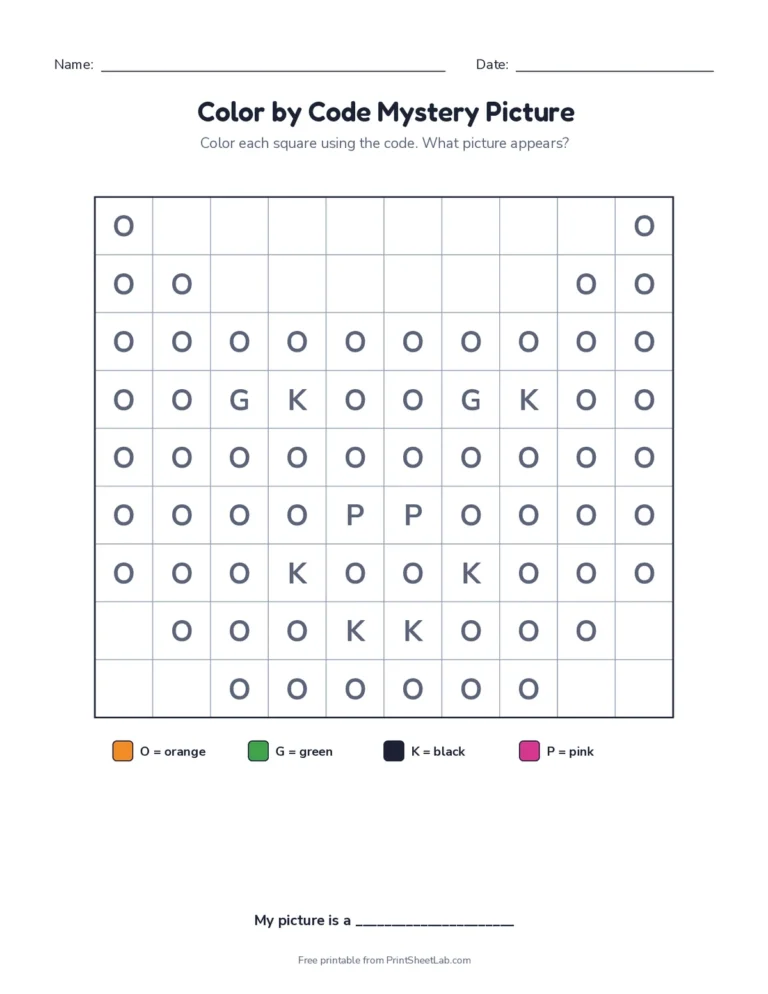
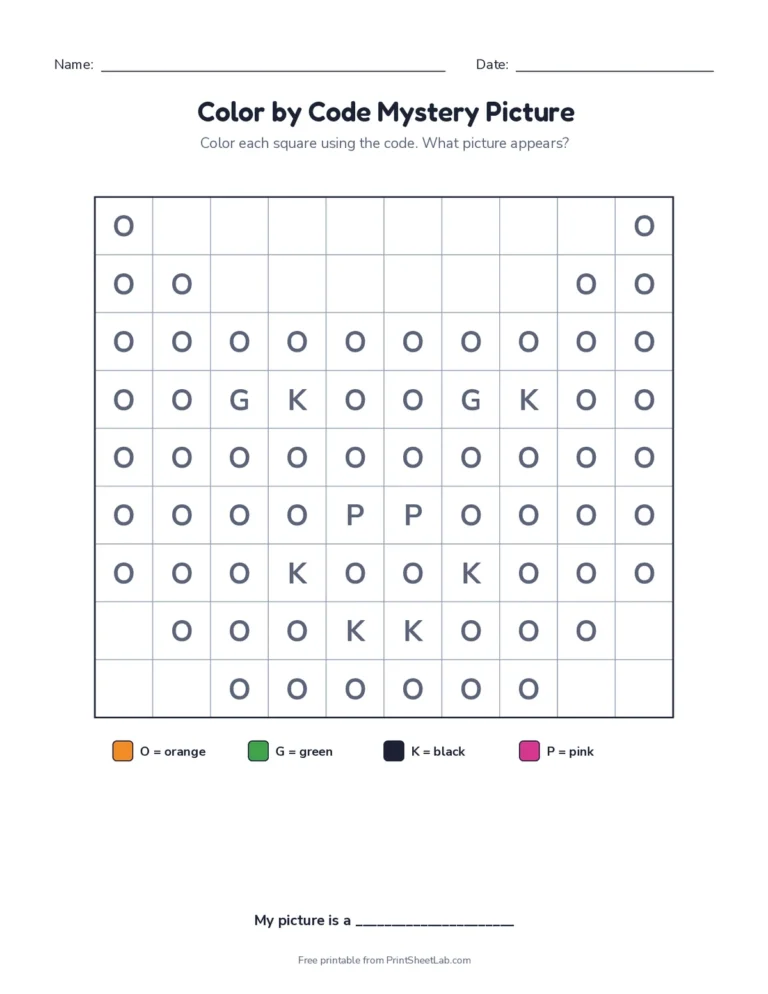
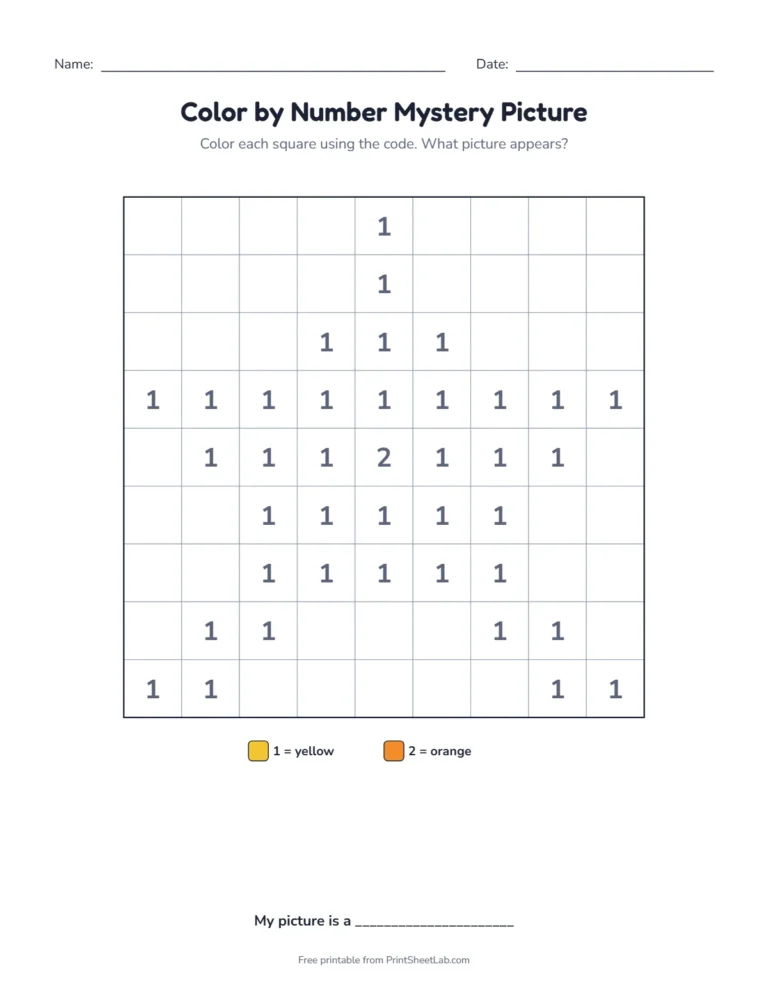
Every code page in our pixel art worksheets hides a picture behind a grid of codes. Children read the code in each square, look it up in the color key at the bottom, and color. Halfway through, a shape starts to show, which is exactly what keeps them going to the last square. You choose what the code is:
| Code | What a square shows | Best for |
|---|---|---|
| Letters | R, B, Y… (R = red) | Ages 4 to 6, letter recognition |
| Numbers | 1, 2, 3… (color by number) | Ages 4 to 6, number recognition |
| Addition facts | 4+3, 6+1… answers to 10 | Kindergarten and 1st grade |
| Subtraction facts | 12−5, 9−2… answers 1 to 9 | 1st and 2nd grade |
| Multiplication facts | 6×4, 3×8… products to 72 | 3rd and 4th grade |
| Division facts | 42÷6, 18÷3… answers 1 to 9 | 3rd and 4th grade |
The math versions are where these pixel art worksheets really earn their place in a lesson. To color one square, a child has to solve one fact, so a single picture quietly turns into 80 to 140 fact questions. The multiplication pages only use products such as 24, 36 and 48 that have more than one factor pair, so the same answer shows up as 3×8, 4×6 and 6×4, and children practice the facts instead of memorizing one pattern.
Turn on Code the background too for a real mystery. Without it, the blank squares give away the outline of the picture. With it, every square has a code, the background turns light blue, and nobody can guess the picture until most of the grid is colored.
Symmetry worksheets with pictures and patterns
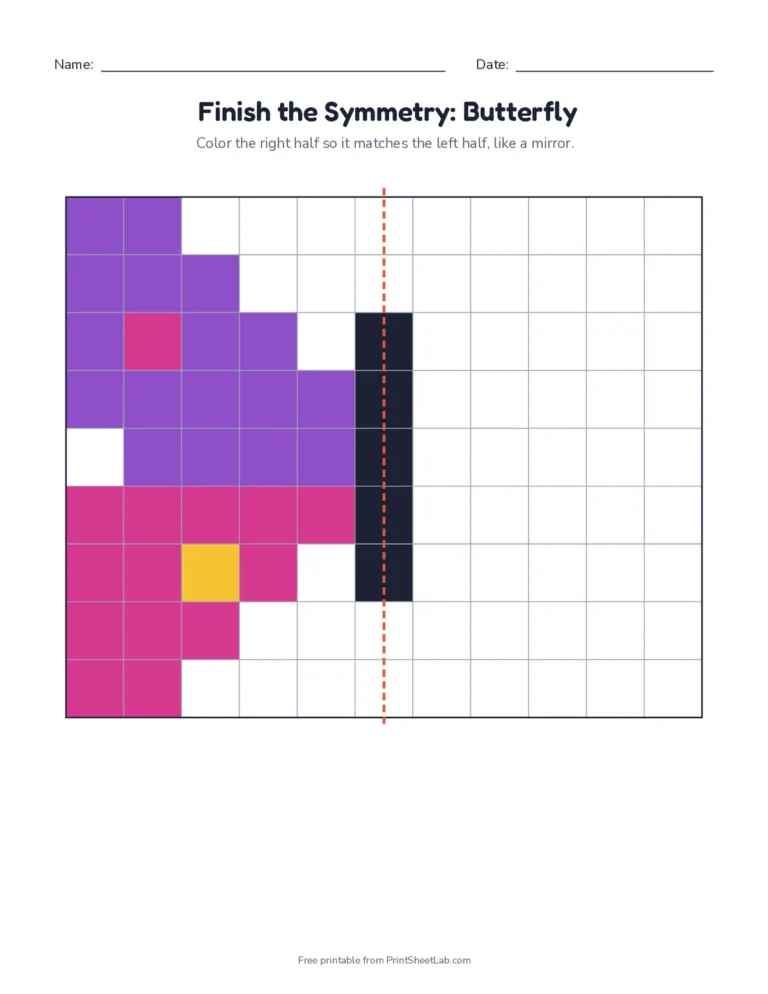
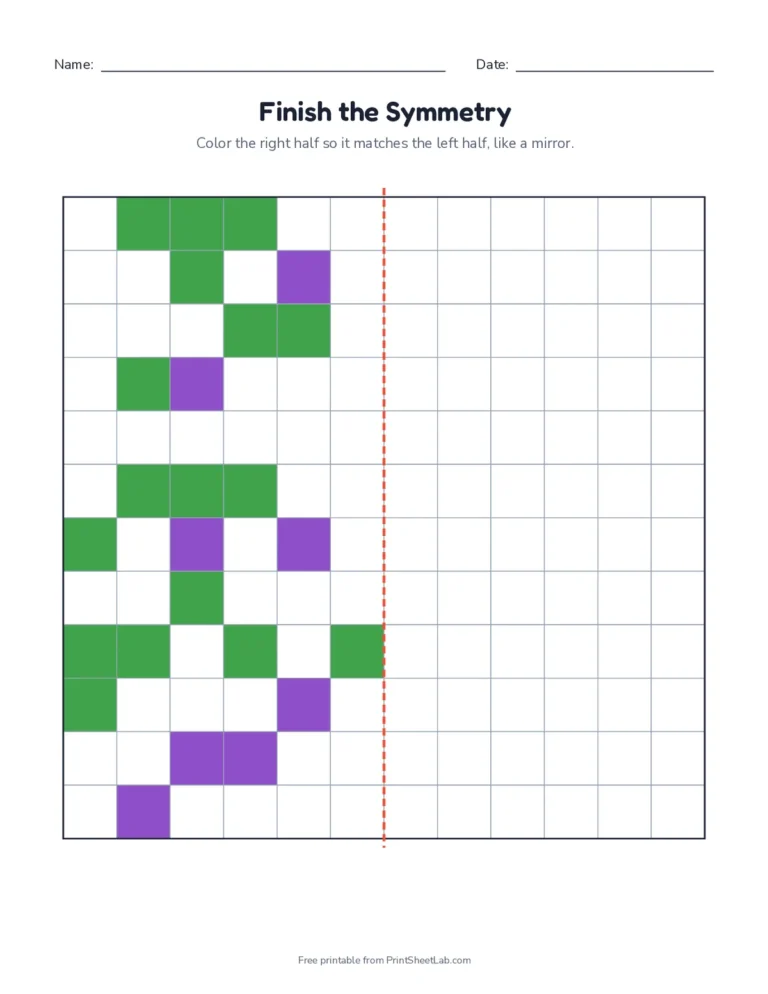
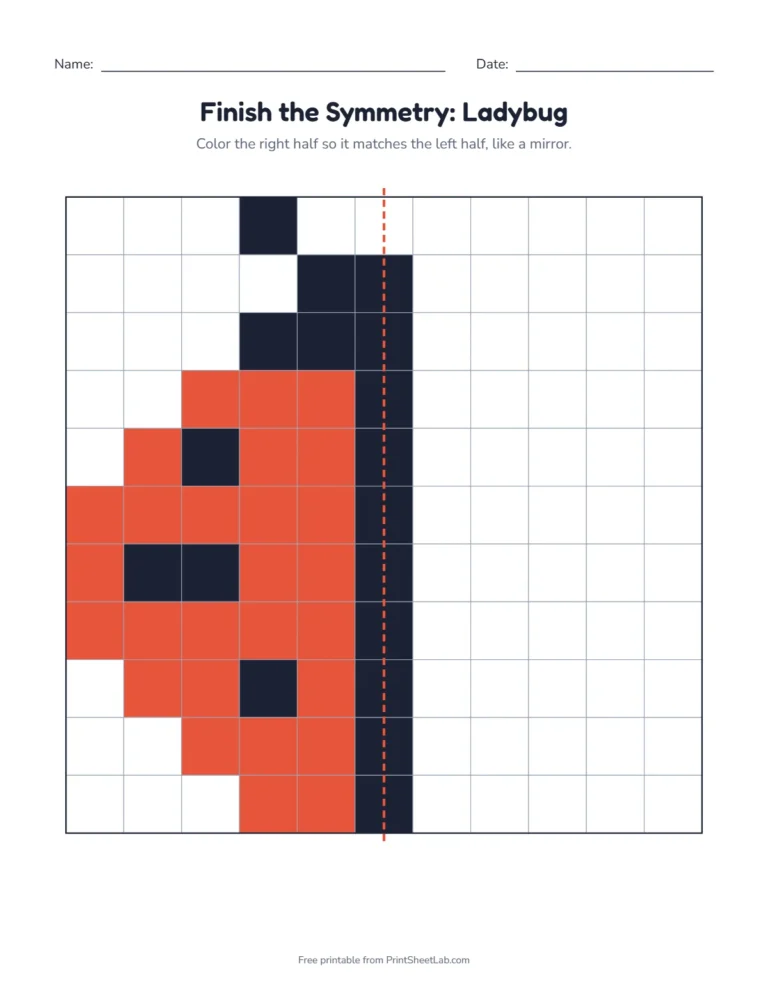
Our symmetry worksheets are pixel art worksheets that show one half of a picture and an empty half on the other side of a red dashed line. Children color the empty half so both sides match, as if a mirror stood on the line. There are two kinds:
- Picture symmetry: 14 mirror-image pictures, including a butterfly, owl, pumpkin, penguin, robot, rainbow and ladybug. The answer key shows the finished picture.
- Pattern symmetry: random patterns on an 8 by 8 up to a 20 by 20 grid, with a vertical or a horizontal line of symmetry. Press New pictures for a new pattern every time, so you never run out of mirror pages.
Start with small pictures and a vertical line. When that feels easy, switch to random patterns, then to a horizontal line, which most children find surprisingly harder because they are used to mirrors that flip left and right.
Grid drawing worksheets: copy the picture square by square
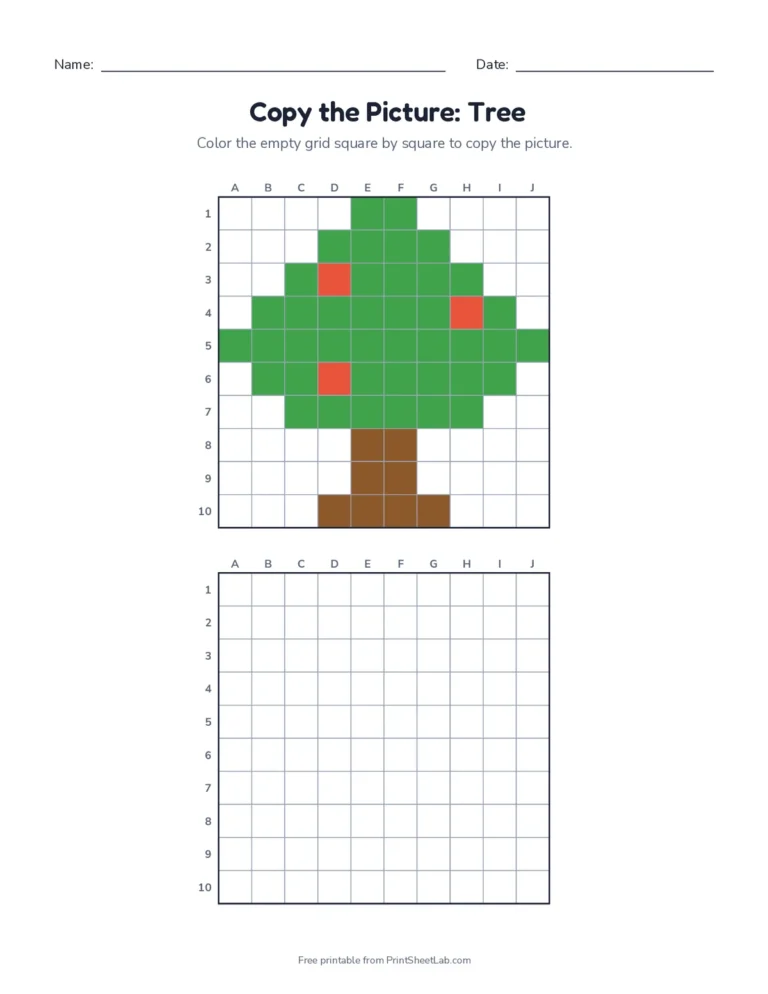
On the copy pages of these pixel art worksheets, the finished pixel picture sits at the top and an empty grid of the same size sits below it. Both grids have lettered columns and numbered rows, like a map. Children find a square in the top picture, say C4, find C4 in the empty grid, and color it to match. These grid drawing worksheets build the same skill artists use when they scale up a drawing with a grid, and they make a gentle first step toward coordinates. In black and white, the top picture shows letter codes with a color key instead of colors.
Pixel art worksheets by age and grade
- Preschool and kindergarten (ages 4 to 6): letter or number pixel art worksheets with big squares, the heart, star and smiley face, and 8 by 8 blank grids.
- 1st and 2nd grade: addition and subtraction pixel art worksheets, picture symmetry with a vertical line, and the copy the picture pages.
- 3rd and 4th grade: multiplication and division pixel art worksheets with the background coded, symmetry patterns with a horizontal line, and 16 by 16 grids for their own designs. Line symmetry is part of the Common Core grade 4 geometry standards (4.G.A.3).
- Older kids and adults: 20 by 20 blank grids for detailed pixel art, cross-stitch charts or Perler bead plans.
Why pixel art works so well in class
Pixel art sits between a puzzle and a coloring page. Each square is a tiny decision, so children practice focus and careful checking without it feeling like a test. Coloring small squares inside the lines builds pencil control. Finding C4 or row 7 builds the grid sense that later turns into coordinate graphing. And because the picture only appears at the end, the reward comes from finishing, which is why many teachers keep a stack of pixel art worksheets for early finishers, indoor recess and the last day before a holiday.
Design your own pixel art on a blank grid
- Choose Blank drawing grid and pick a size. 10 by 10 is quick; 16 by 16 leaves room for detail.
- Sketch the outline with a pencil, one square at a time. Pixel art never uses half squares.
- Color the outline dark, then fill in with two or three colors. Fewer colors look more like real pixel art.
- Swap with a friend. Write letter codes in each square, and your design becomes a mystery picture puzzle for them.
Pixel art takes its name from the pixels, the tiny squares of color that make up any screen image, and it grew up in the 8-bit video games of the 1980s. You can read more about the style in the pixel art article on Wikipedia. The same idea is much older, though: mosaics, cross-stitch and knitting charts all build pictures out of little squares.
What is symmetry?
A shape has line symmetry when you can fold it along a line and both halves match exactly, like a butterfly’s wings. The fold line is the line of symmetry. Each colored square on one side has a matching square the same distance away on the other side. In our symmetry worksheets, the red dashed line shows the line of symmetry. Choose random patterns with a horizontal line for a harder challenge.
Tips for finishing pixel art worksheets
- Work row by row and put a finger on the row you are coloring.
- Count from the line of symmetry: one square away on the left means one square away on the right.
- Use the letters and numbers on the copy grids, like a map: C4 is column C, row 4.
- Colored pencils or markers fill squares neatly. Crayons work well for the bigger 8 by 8 grids.
Frequently asked questions
9 quick answers
Are these pixel art worksheets free?
Yes. Print as many pixel art worksheets as you need, at home or for a whole class. There is no account and no watermark.
What age is pixel art for?
Letter and number code pictures suit ages 5 and up. Copy the picture and symmetry pages are great for ages 6 to 11, and the random patterns and bigger grids challenge older kids.
Do the pages work with black ink only?
Yes. In black and white, the copy pages show letter codes with a color key, and the symmetry pages show the given half in gray.
Is there an answer key?
Yes. The code pages and symmetry pages print with a fully colored answer key.
What is the difference between color by code and color by number?
Color by number is one version of it, where each number stands for a color. The code can also be a letter, a sight word or a math problem whose answer tells you the color.
Do you have math pixel art worksheets?
Yes. Choose Addition, Subtraction, Multiplication or Division in the Code menu. Each square shows a fact, and the answer matches a color in the key, so one picture gives 80 or more facts of practice.
How many pictures are there?
There are 23 pixel pictures. Fourteen of them are mirror images, so they also work as symmetry worksheets, and the random pattern option gives an endless supply of new symmetry pages.
Can I use these grids for cross-stitch or Perler beads?
Yes. The 16 by 16 and 20 by 20 blank grids work well for planning cross-stitch, bead and mosaic designs.
What is color by code?
Color by code is a mystery picture: each square has a letter that stands for a color. When every square is colored, a picture appears.
More puzzles and art
- Coordinate plane mystery pictures.
- Hundreds chart mystery pictures.
- Printable mazes.
- Graph paper for more pixel art.
- All puzzles and brain teasers.
- Dot to dot printables with 10 to 100 dots, skip counting or A to Z.
- Color by number pages with addition and times-table versions.
- Multiplication chart to check the facts on the color by code pages.
- Math worksheet generator for more fact practice.